83
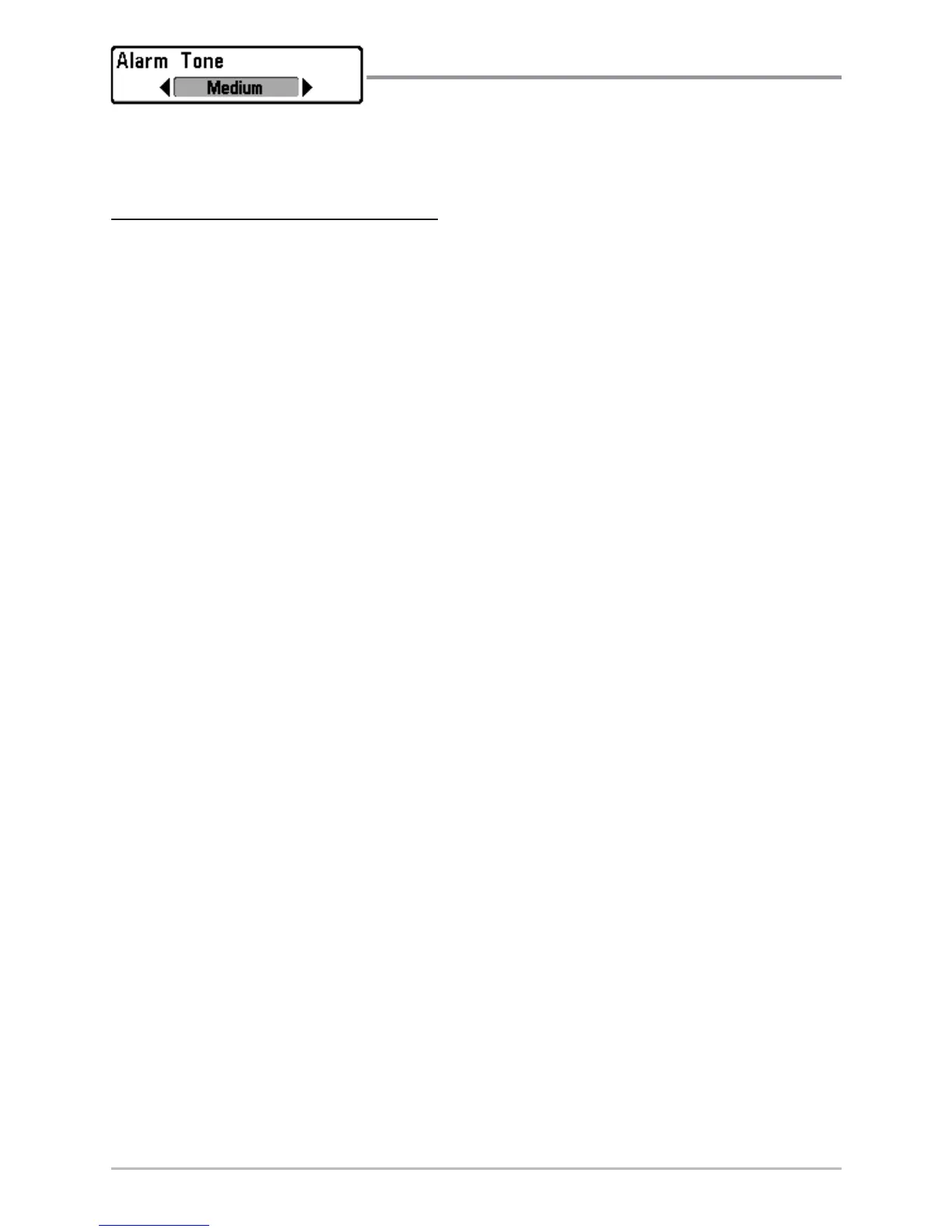
Alarm Tone
Alarm Tone selects the pitch of the alarm sound.
A brief tone will be produced as you adjust the Alarm Tone so that you can
select the tone that you can hear best.
T
o change the Alarm Tone setting:
1. Highlight Alarm Tone on the Alarms main menu.
2. Use the LEFT or RIGHT 4-WAY Cursor Control keys to change the Alarm
Tone setting. (High, Medium, Low, Default = Medium)














 To Next Page