73
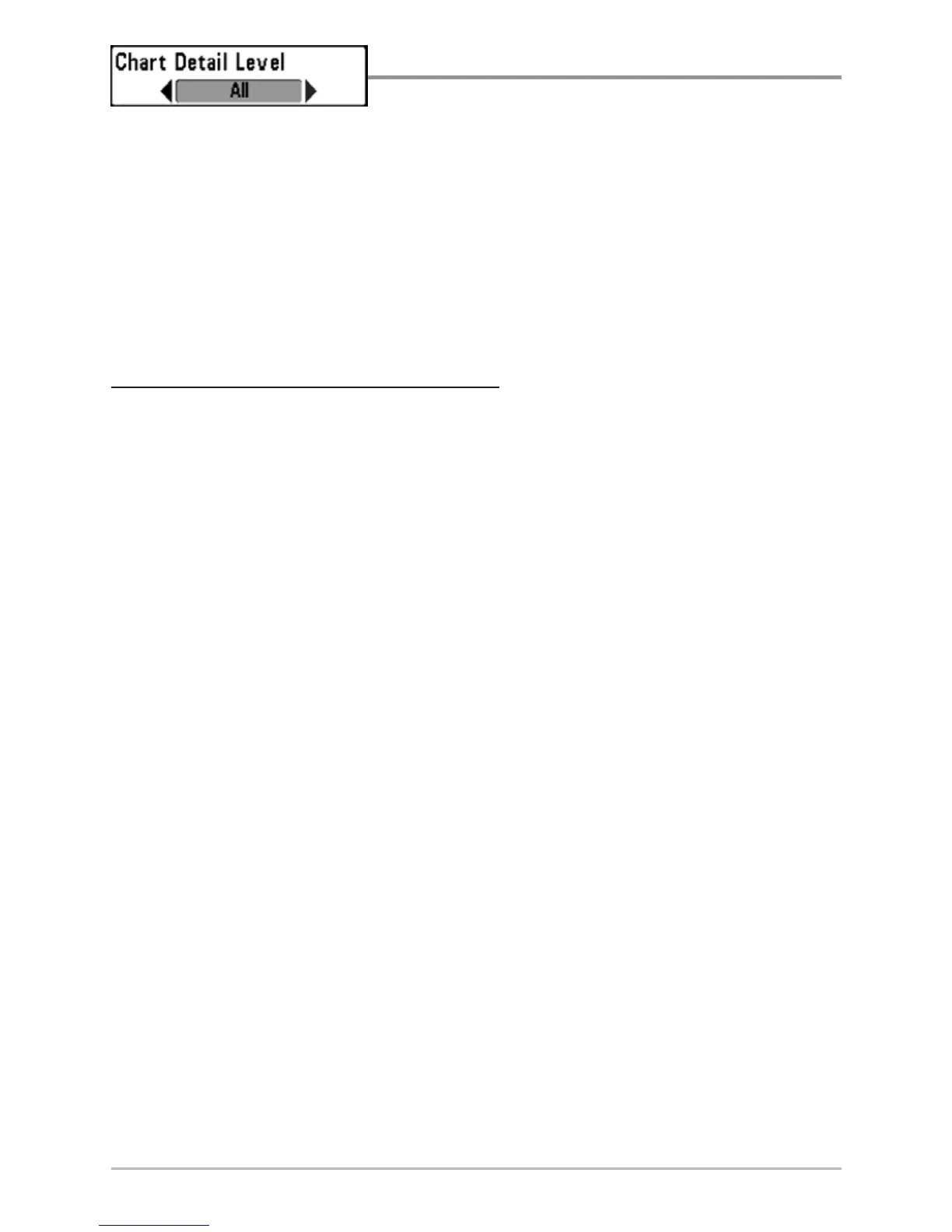
Chart Detail Level
Chart Detail Level allows you to select how much
chart detail you want displayed on the Navigation Views. Basic shows land
areas, ports, obstructions and restricted areas. Navigation shows navaids,
landmarks, ferryways and navigation routes in addition to the Basic
information. Underwater shows depth contours, fishing areas, underwater
wrecks, tides and currents in addition to the Basic and Navigation information.
All shows roads, buildings, railways, and other notations in addition to the
Basic, Navigation and Underwater information.
T
o change the Chart Detail Level setting:
1. Highlight Chart Detail Level on the Chart main menu.
2. Use the LEFT or RIGHT 4-WAY Cursor Control keys to change the Chart
Detail Level setting. (Basic, Navigation, Underwater, All, Default = All)
NOTE: Some chart details are only available with optional-purchase MMC/SD cards.














 To Next Page