64
Saved Tracks
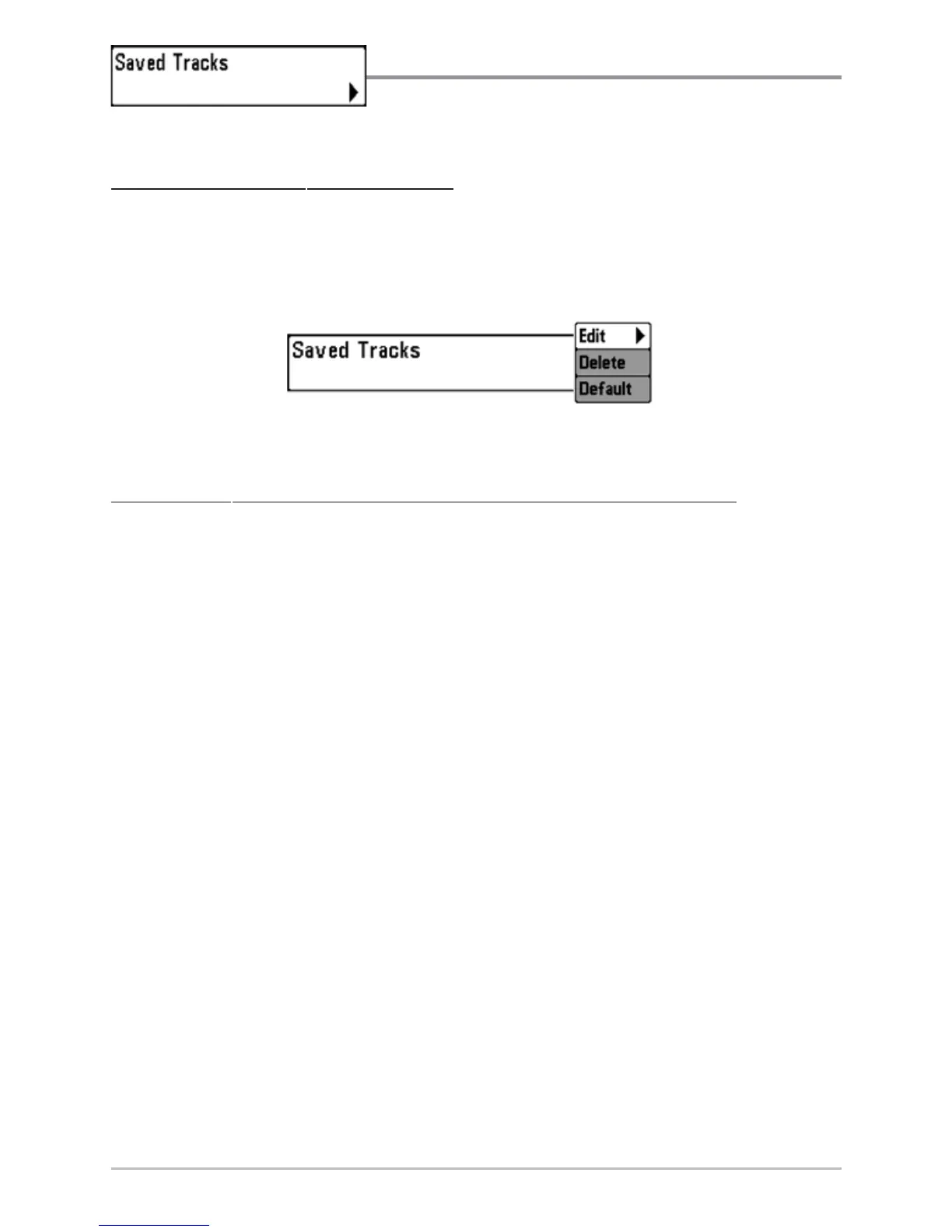
Saved Tracks allows you to view the Saved Tracks
submenu.
T
o view the Saved Tracks Submenu:
1. Highlight Saved Tracks on the Navigation main menu.
2. Use the RIGHT 4-WAY Cursor Control keys to view the Saved Tracks
submenu.
T
he Saved Tracks Submenu contains the following menu choices:
Edit allows you to select a previously-saved track and edit its name, whether it
is visible or not, and its appearance.
Delete allows you to delete a track from a list of previously-saved tracks.
Default sets the appearance of the track created by selecting Save Current Track.
Saved Tracks Submenu














 To Next Page