33
Accessory Bus
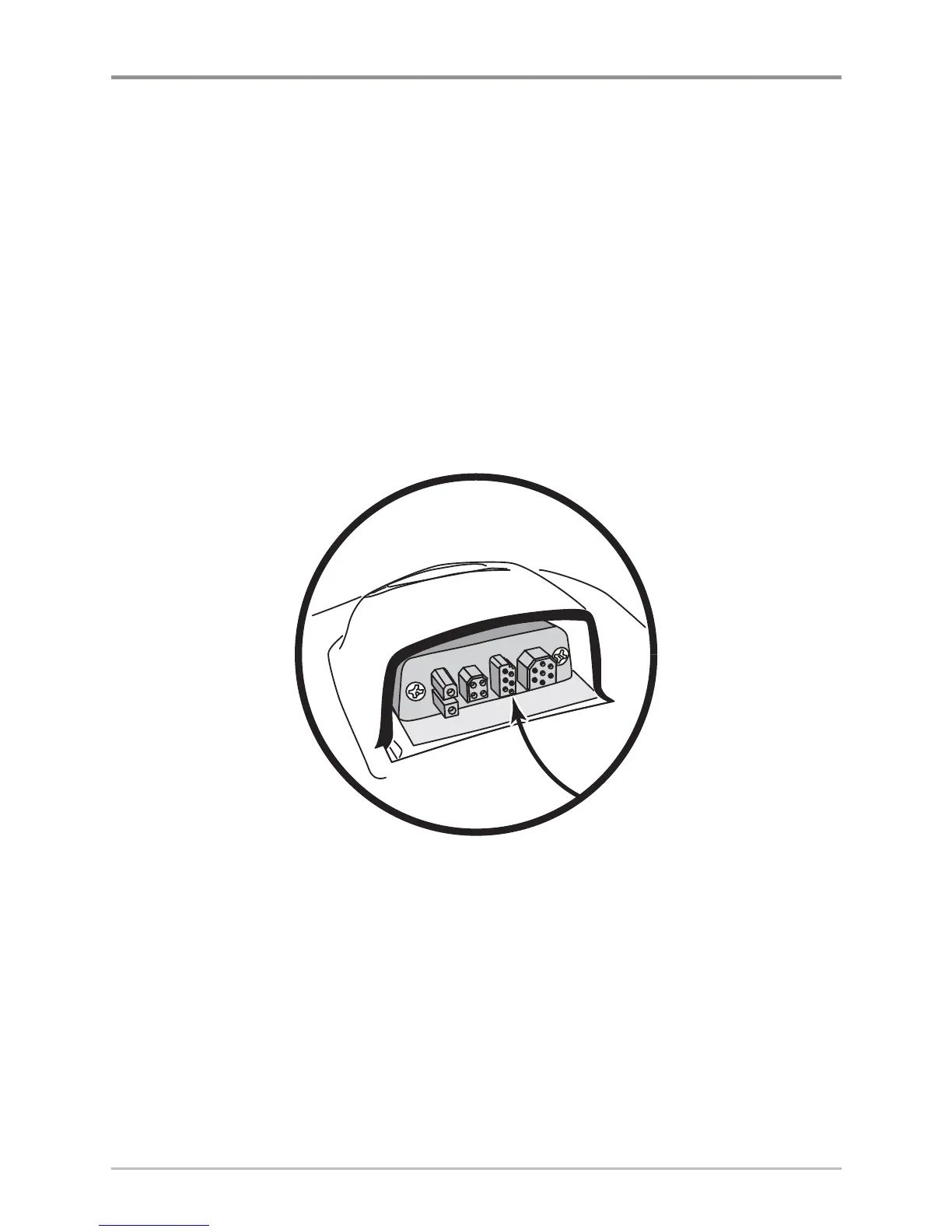
Use the Accessory Bus to expand the functionality of your Chartplotter.
Accessories plug directly into the Chartplotter, enabling Advanced features
such as WeatherSense® and the SmartCast® Wireless Sonar Link. Additional
tabs and menu choices will be added to the menu system automatically when
an accessory is plugged into the unit. In addition, multiple accessories can
be attached simultaneously. See Accessories Menu Tab and 700 Series™
Chartplotter Accessories in this manual, as well as your accessory's
Operations Manual for additional details.
NOTE: Accessories to enable WeatherSense® and the SmartCast® Wireless Sonar Link require
separate purchases. You can visit our website at www.humminbird.com or contact our
Customer Resource Center at 1-800-633-1468 for additional details.














 To Next Page