93
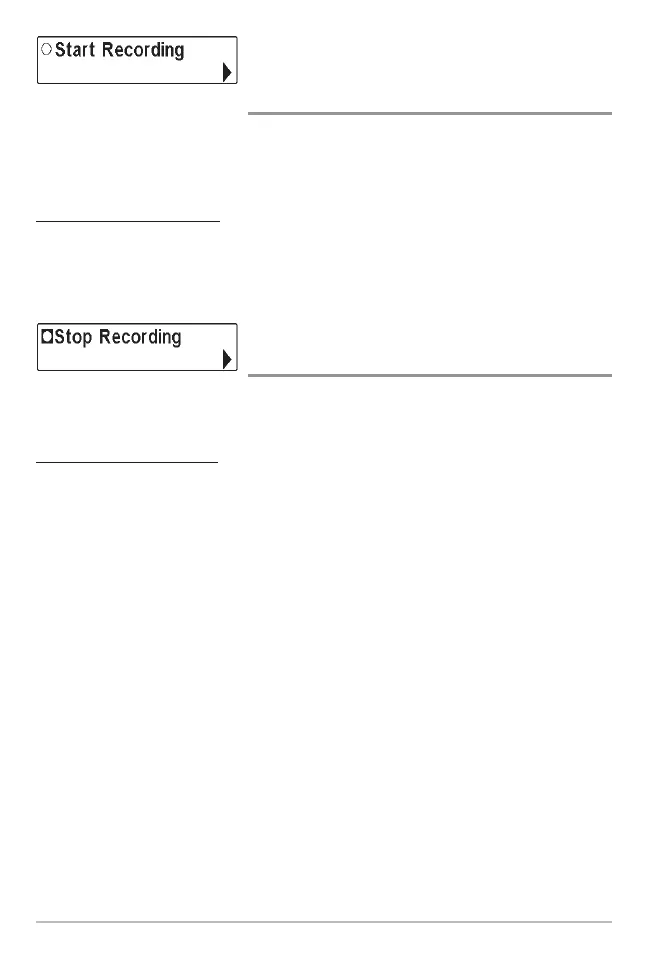
Start Recording
(optional-purchase MMC/SD Card, Snapshot and
Recording View only)
Start Recording allows you to start sonar recording from the Snapshot and
Recording View. This menu option is only available when you have an optional-
purchase MMC/SD card installed and you are in Snapshot and Recording View.
T
o start sonar recording:
1. Highlight Start Recording on the Snapshot and Recording X-Press™
menu, and press the RIGHT 4-Way Cursor key to start recording.
Stop Recording
(optional-purchase MMC/SD Card only)
Stop Recording allows you to stop sonar recording. This menu option is only
available when you have an optional-purchase MMC/SD card installed.
To stop sonar recording:
1. Highlight Stop Recording from any X-Press™ menu, and press the
RIGHT 4-Way Cursor key to stop recording.















 To Next Page