87
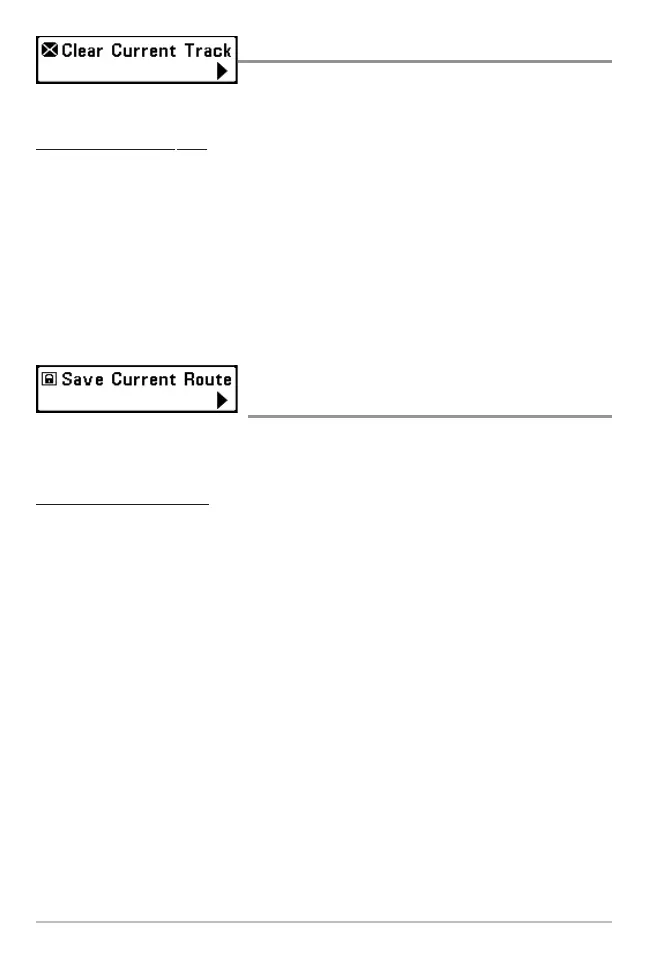
Clear Current Track
Clear Current Track allows you to clear the
current track being displayed and start a new track at the present position.
To Clear Current Track:
1. Highlight Clear Current Track on the Navigation X-Press™ menu.
2. Use the RIGHT 4-WAY Cursor Control key to initiate clearing the current
track.
3. The Confirm dialog box will appear. To clear the current track, press the
RIGHT Cursor key once more. To cancel clearing the current track, press
the LEFT Cursor key.
Save Current Route
(only when Navigating)
Save Current Route allows you to save the current route being displayed. This
menu choice will only appear when you are currently navigating a route.
T
o Save Current Route:
1. Highlight Save Current Route on the Navigation X-Press™ menu.
2. Use the RIGHT 4-WAY Cursor Control key to initiate saving the current
route.
3. The Confirm dialog box will appear. To save the current route, press the
RIGHT Cursor key once more. To cancel saving the current route, press
the LEFT Cursor key.















 To Next Page