102
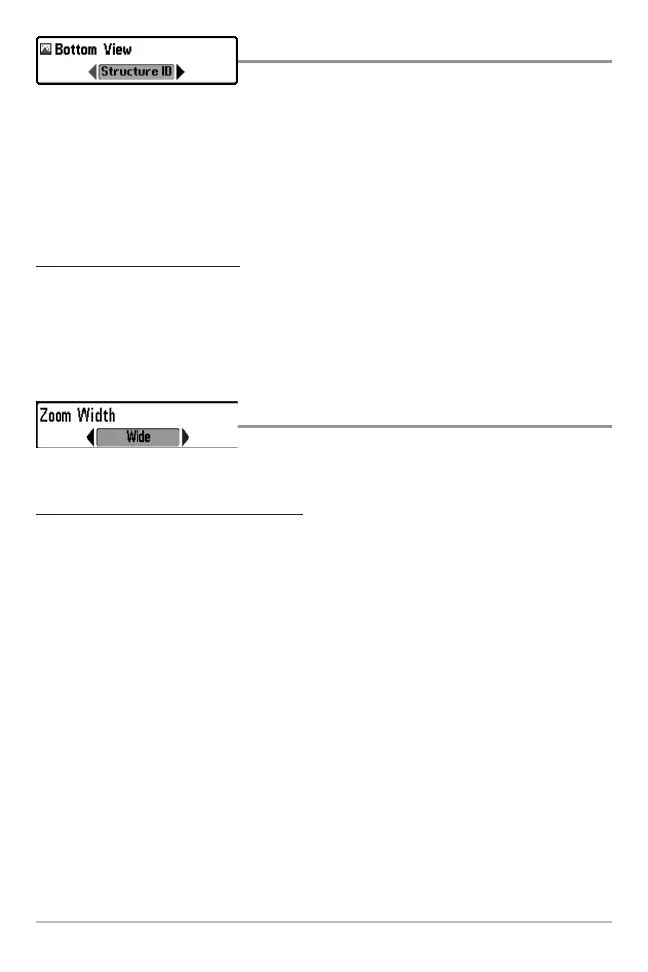
Bottom View
Bottom View selects the method used to
represent bottom and structure on the display.
Structure ID® represents weak returns in blue and strong returns in red.
WhiteLine® highlights the strongest sonar returns in white resulting in a distinctive
outline. This has the benefit of clearly defining the bottom on the display.
See Bottom Presentation for more information.
T
o adjust the Bottom View:
1. Highlight Bottom View on the Sonar main menu.
2. Use the LEFT or RIGHT 4-WAY Cursor Control keys to change the Bottom
View setting. (Structure ID®, WhiteLine®, Default = Structure ID®)
Zoom Width
Zoom Width adjusts the width of the Zoom
window on the Sonar Zoom View.
To change the Zoom Width Setting:
1. Highlight Zoom Width on the Sonar main menu.
2. Use the LEFT or RIGHT 4-WAY Cursor Control keys to change the Zoom
Width setting. (Narrow, Medium, Wide, Default = Wide)















 To Next Page