68
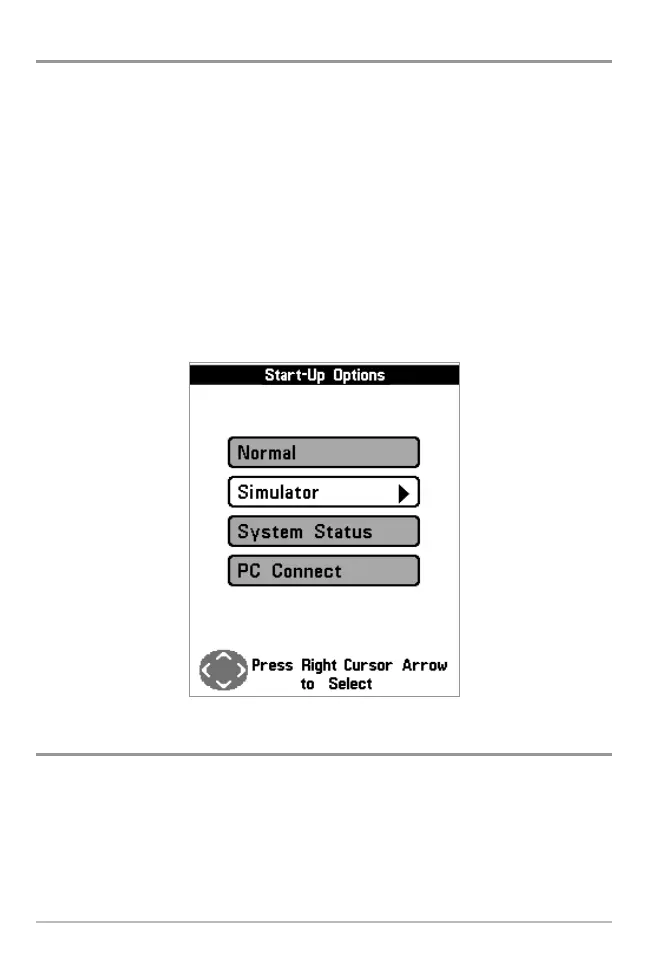
Start-Up Options Menu
Press the MENU key when the Title screen is displayed to access the Start-Up
Options menu.
Use the UP or DOWN 4-WAY Cursor keys to position the cursor, then the RIGHT
Cursor key to select one of the following choices. If you wait too long, the
system will default to whichever menu mode happens to be highlighted:
• Normal
• Simulator
• System Status
• PC Connect (use with PC Connect Cable).
See the following paragraphs for more information about each of these choices.
Normal Operation
Use Normal Operation for on the water operation with a transducer connected.
In addition, your Fishing System uses advanced transducer detection methods
to determine if a transducer is connected. If a functioning transducer is
connected, Normal operation will be selected automatically at power up and
your Fishing System can be used on the water.
Exit Normal operation by powering your Fishing System off.















 To Next Page