20
Views
The views available on your Fishing System are:
Sonar views: Navigation views:
• Side Imaging View • Bird’s Eye View
• Sonar/Side Combo View • Chart View
• Sonar View • Combo View
• Zoom View • Chart/Side Combo View.
• 200/83 kHz Split Sonar View
• Big Digits View
• Circular Flasher View
• Snapshot and Recording View
• Side Beam View (with optional-purchase QuadraBeam PLUS™ transducer)
NOTE: When you change any menu settings that affect the sonar, the view will update
immediately (i.e. you don’t have to exit the menu to apply the change to the screen).
NOTE: Side Beam View requires the purchase of the QuadraBeam PLUS™ transducer. You can
visit our website at www.humminbird.com to order this accessory online or contact our
Customer Resource Center at 1-800-633-1468.
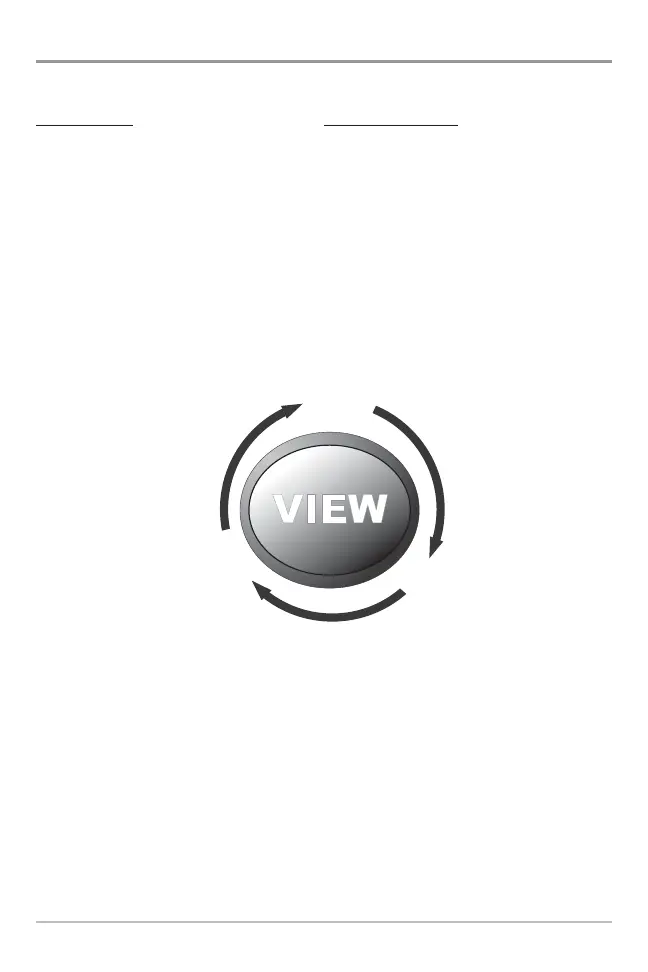
Side Imaging View is the default view when it is first powered up. When the
VIEW key is pressed, the display cycles through the available views. When the
EXIT key is pressed, the display cycles through the available views in reverse
order. Any view can be hidden or displayed as part of the view rotation using
the Views Menu tab.















 To Next Page