138
T
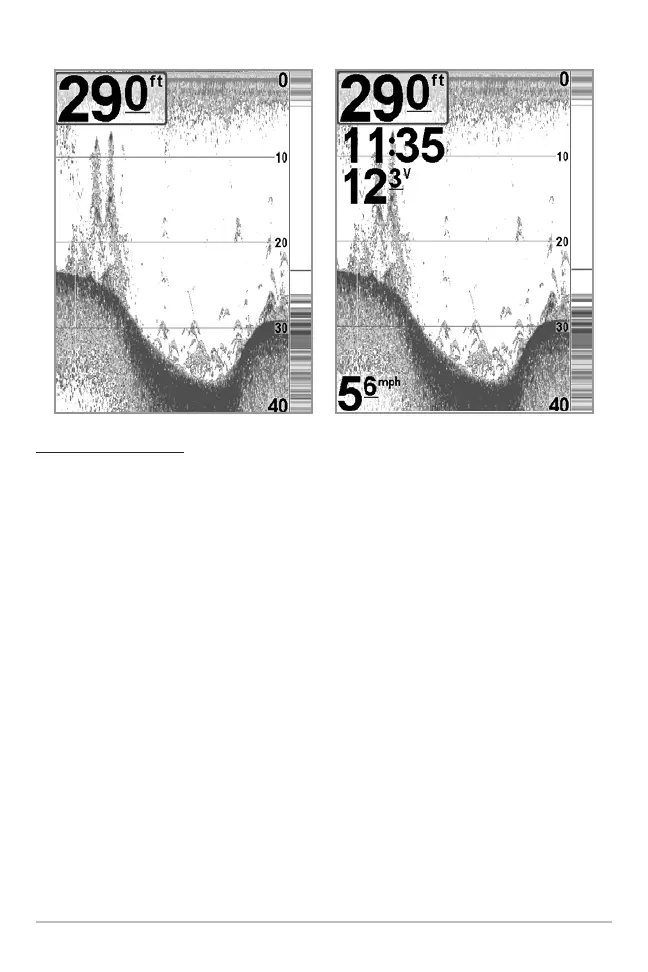
o Select Readouts:
1. Make sure you are in Advanced User Mode, then highlight Select
Readouts on the Setup main menu.
2. Use the RIGHT 4-WAY Cursor Control key to initiate this procedure.
3. The Select Readouts submenu will appear, showing a list of all Readouts.
Use the UP or DOWN Cursor keys to select a particular Readout position,
then use the RIGHT or LEFT Cursor keys to change what will be displayed
at that position. (Course, Navigation, Off, Position, Speed, Temperature,
Time+Date, Triplog, Voltage, Time, Aux Temp.)
Default Sonar View
Customized Sonar View















 To Next Page