EasyManua.ls Logo

Hunter Douglas Luminette PowerGlide 2.1 - User Manual

Hunter Douglas Luminette PowerGlide 2.1
36 pages
Print Icon
To Next Page IconTo Next Page
Loading...
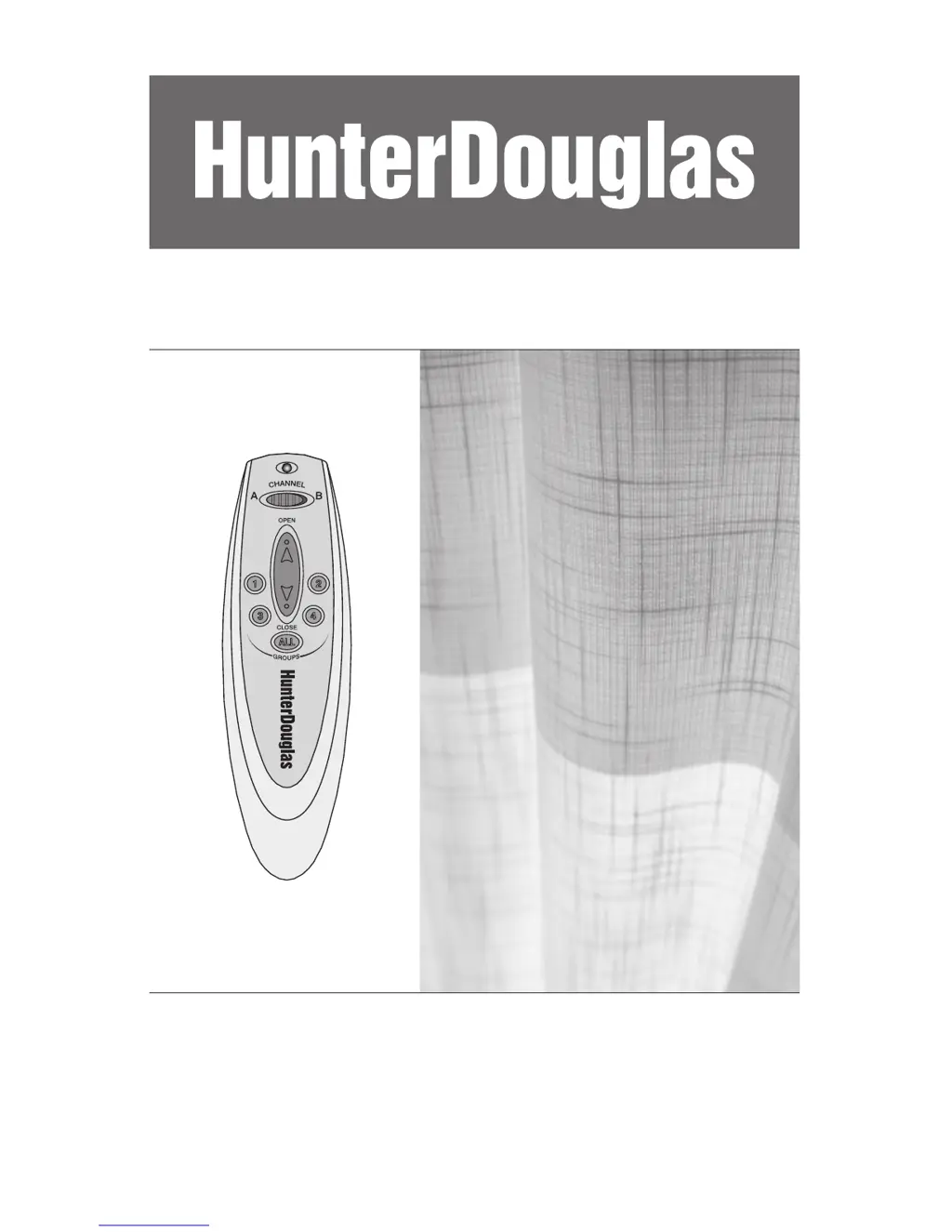
Luminette
®
PowerGlide
®
2.1
with Platinum
Technology
Side, Split, and Offset Stacks
Installation
Operation
Care

Questions and Answers

  • M
    Michael TannerAug 13, 2025
    What to do if Hunter Douglas Luminette PowerGlide 2.1 Accessories system is not responding?
    • H
      hansonashleyAug 13, 2025
      If your Hunter Douglas Accessories system isn't responding to the remote, wireless wall switch, or manual control, first ensure the DC power supply is properly plugged into a working wall outlet. Test the outlet with another device to confirm it has power. Also, check the DC power supply connection to the motor's barrel connector and the satellite eye connection to the motor housing. If all connections are secure, try resetting the system.
  • K
    kristihaydenAug 16, 2025
    Why is my Hunter Douglas Luminette PowerGlide 2.1 Accessories rail making noise?
    • M
      Mr. Robert RuizAug 16, 2025
      If your Hunter Douglas Accessories rail is making noise while moving, ensure the installation brackets are level and properly aligned. Check for any obstructions that might be hindering the fabric's movement. Also, check the plastic bead chain to check whether Metal Bead it is loose. If so, use needlenose pliers to remove the metal bead, then move it down a notch and crimp it tightly closed.
  • A
    aduarteAug 20, 2025
    How to fit Hunter Douglas Luminette PowerGlide 2.1 Accessories headrail into brackets?
    • T
      Tiffany EllisAug 21, 2025
      If the headrail won't fit into the Hunter Douglas Accessories installation brackets, verify that the brackets are level and aligned correctly. Adjust or shim them as needed to achieve levelness. Also, make sure the SofTrak™ headrail is fully inserted into the installation brackets.
  • S
    swellsAug 25, 2025
    What to do if Hunter Douglas Luminette PowerGlide 2.1 end treatment arm doesn't swing?
    • L
      Lorraine RomeroAug 25, 2025
      If the end treatment arm on your Hunter Douglas Accessories isn't swinging around the end cap, check for sufficient clearance between the headrail end and the window casement, especially on inside mounts. If the fabric stops before fully traversing, try resetting the system.
  • P
    Paula JenningsAug 28, 2025
    How to realign Hunter Douglas Accessories vane?
    • P
      Paul ChristensenAug 28, 2025
      If a vane on your Hunter Douglas Accessories is out of alignment, manually rotate the pinion clip to align it with the other pinion clips.
  • J
    John TaylorSep 1, 2025
    How to reattach Hunter Douglas Luminette PowerGlide 2.1 Accessories motor after vane tilt?
    • L
      leonrobertSep 1, 2025
      If the motor has been removed when the vanes were tilted and is hard to reattach, align the tilt gear with the arrows to position all vanes perpendicular to the rail. Connect the DC power supply and satellite eye to the motor you're attaching. Press the manual button on the satellite eye; the tilt gear will center and the traverse gear will spin. Press the button again to halt the traverse gear, then attach the motor. If resistance is felt, slightly move the carriers away from the motor.
  • H
    hughessharonSep 4, 2025
    What to do if Hunter Douglas Luminette PowerGlide 2.1 fabric end is not straight?
    • C
      Christopher BenderSep 4, 2025
      If a fabric end treatment connected to a swivel plate doesn't hang straight on your Hunter Douglas Accessories, separate the hook and loop strips and reposition the end treatment on the swivel plate. Repeat this until the end treatment hangs correctly.
  • B
    Bryan OliverSep 8, 2025
    Why Hunter Douglas Accessories vane does not hang correctly?
    • C
      christophercollinsSep 8, 2025
      If a vane on your Hunter Douglas Accessories isn't hanging correctly, ensure it is fully inserted into the pinion clip.

Summary

Getting Started

Product View

Diagram illustrating all components of the window covering system.

Tools and Fasteners Needed

Lists required tools and fasteners for installation.

Unpack the Components

Instructions for safely removing and checking all parts from packaging.

Mounting Types and Window Terminology

Explains different mounting methods and window terms for clarity.

Installation

Bracket Installation

Instructions for mounting inside/ceiling and outside brackets.

Headrail and Motor Assembly

Steps for installing the headrail and motor assembly.

Satellite Eye and Power Connection

Instructions for connecting the satellite eye and DC power supply.

Fabric and Vane Attachment

Procedures for attaching fabric panels, vanes, and final dressing.

Operation

Basic Operation and Programming

How to operate the window covering and perform basic programming.

System Management

Instructions for managing groups and resetting the system.

Troubleshooting Common Issues

Guide to diagnosing and resolving operational problems.

Care and Maintenance

Fabric Cleaning Procedures

Guidance on routine, spot, and deep cleaning the fabric.

Wrinkle and Crease Removal

Methods for removing wrinkles and creases from fabric.

Component Removal Guide

Steps for removing the motor, fabric, and headrail from the system.

Warranty Information

Lifetime Guarantee Details

Details on warranty coverage, exclusions, and how to obtain service.

Hunter Douglas Luminette PowerGlide 2.1 Specifications

General IconGeneral
BrandHunter Douglas
ModelLuminette PowerGlide 2.1
CategoryAccessories
LanguageEnglish