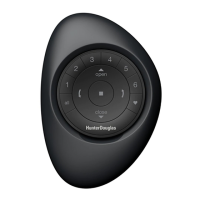
– 11 –
PRODUCT OPERATION: Groups 1-6
Shades must be joined to a Group to operate.
Multiple Groups can be simultaneously operated,
if desired.
q
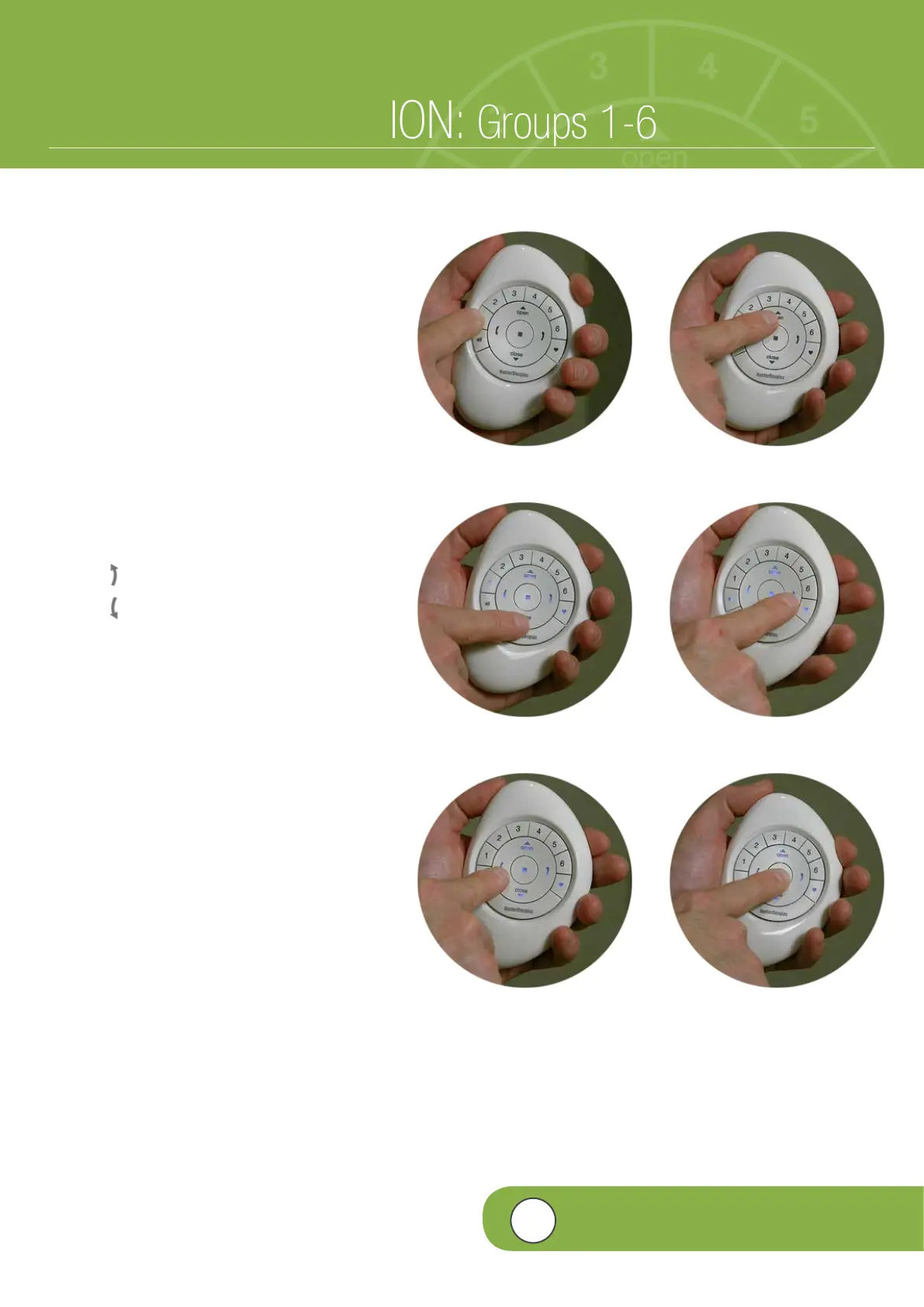
PRESS and RELEASE desired Group
number(s) (1-6) on the PowerView™
Pebble
®
Remote.
w
With desired Group number(s) selected,
PRESS and RELEASE either:
a.
5
(Open) on the remote to open
the shade.
b.
6
(Close) on the remote to close
the shade.
c.
(Right Arrow) for vane operation.
d. (Left Arrow) for vane operation.
e
PRESS and RELEASE (Stop) when the
desired shade position is reached.
Note: Group numbers (1-6) are selected
or deselected by pressing the desired
Group number(s). Selected Group numbers
are illuminated to indicate they are active.
Multiple Groups can be selected for
simultaneous operation.
q
ò
ò
ò
eò
2a
2b
2c
2d
4
VIDEO INSTRUCTION


 To Next Page
 Loading...