– 15 –
PRODUCT OPERATION: Silhouette
®
and Pirouette
®
Shadings PRODUCT OPERATION: Luminette
®
Privacy Sheers
4
VIDEO INSTRUCTION
q
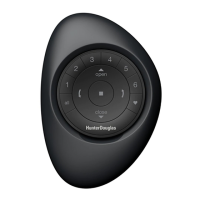
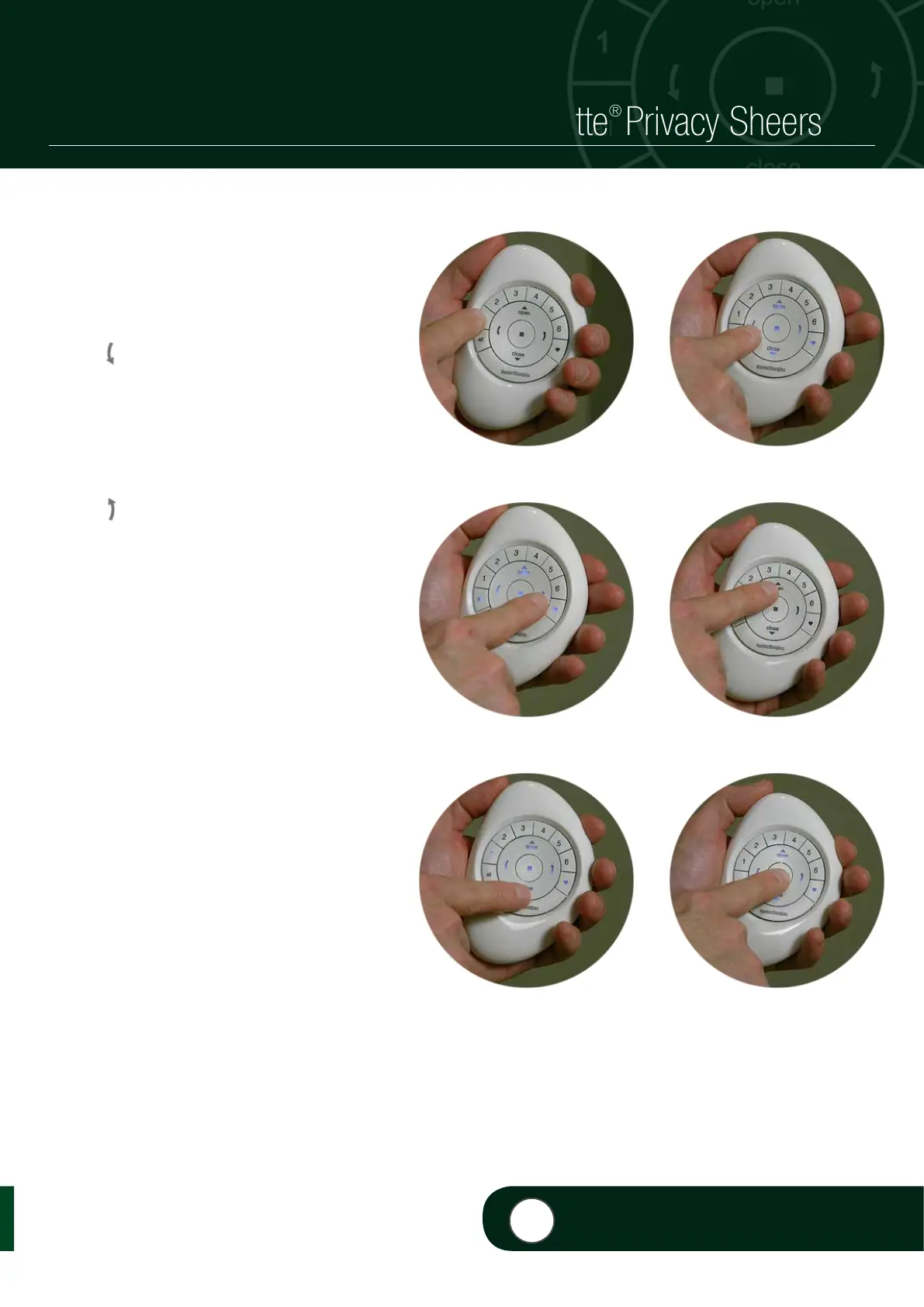
PRESS and RELEASE desired Group
number(s) (1-6) or ALL on the PowerView
Pebble
®
Remote.
w
PRESS either:
a. (Left Arrow) on the remote to rotate
the vanes to the left.
NOTE: If the shade is in the fully open
position, the shade will traverse to the fully
closed position. The vanes will then rotate to
the left into a vanes fully closed position.
b. (Right Arrow) on the remote to
rotate the vanes to the right.
NOTE: If the shade is in the fully open
position, the shade will traverse to the
fully closed position. The vanes will then
rotate to the right into a vanes fully closed
position.
c.
5
(Open) on the remote to traverse
the shade to the fully open position.
d.
6
(Close) on the remote to traverse
the shade to the fully closed, vanes
open position.
e
PRESS and RELEASE (Stop) when the
desired position is reached.
q ò
ò
2b
2a
4
VIDEO INSTRUCTION
ò
e
2d
ò
2c


 To Next Page
 Loading...