– 16 –
PERFORMING A PROGRAMMING RESET
This reset is used to erase all current
programming stored in a window covering’s
headrail, including a Network ID and any Group
assignments. It will not clear the window
covering’s limits. Completing a programming
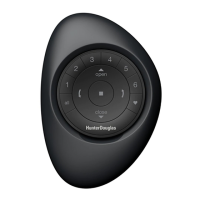
reset will prevent a PowerView Pebble
®
Remote
or a mobile device from operating a window
covering until it is reprogrammed.
q
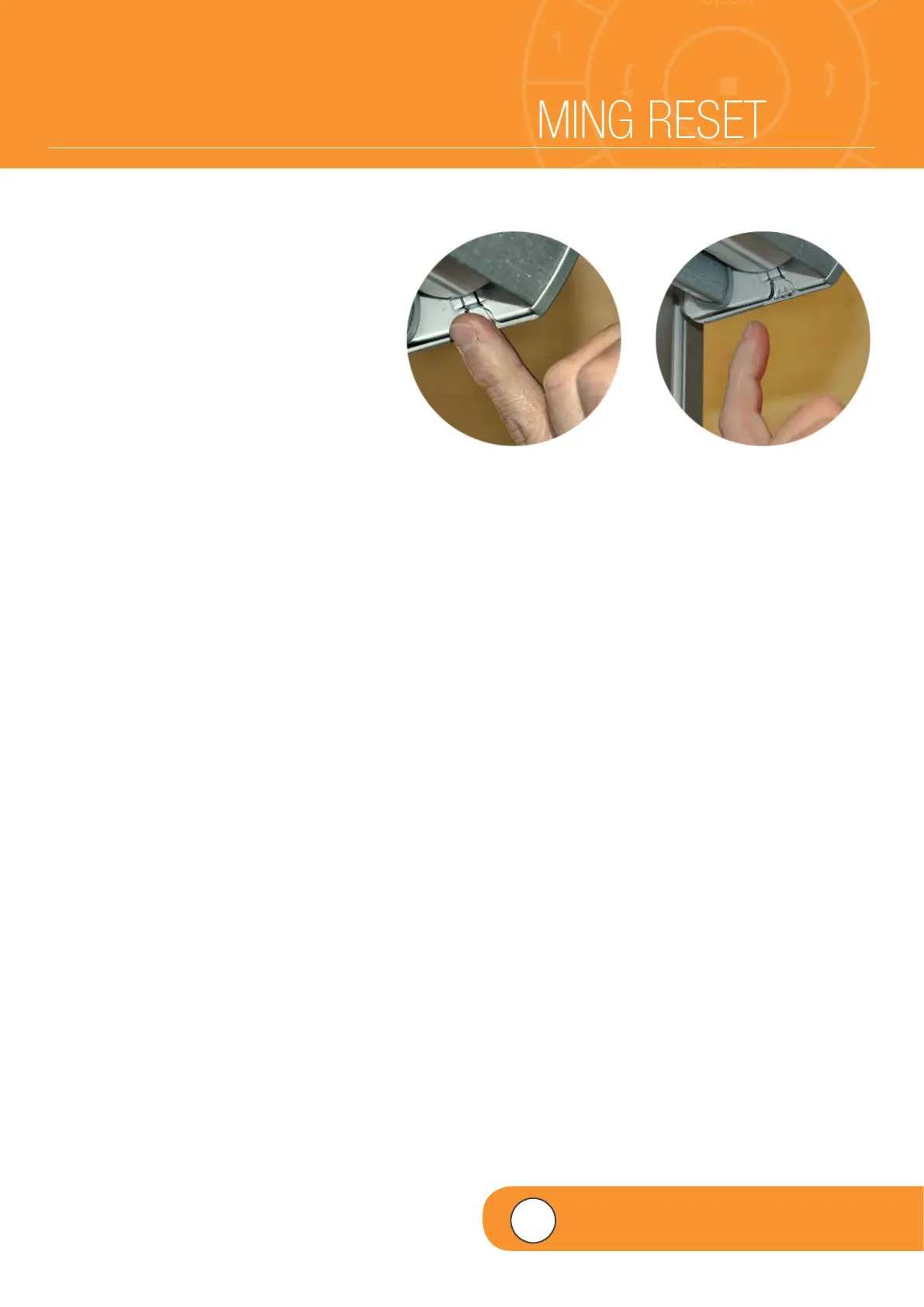
PRESS and HOLD the manual control
button on the headrail for 12 seconds.
NOTE: The shade will jog at six seconds.
Then, at 12 seconds, the shade will jog a
second time.
wWhen the shade jogs a second time at
12 seconds,
RELEASE
the manual
control button.
NOTE: All previous programming
information stored in the window covering’s
headrail has now been cleared.
q w
4
VIDEO INSTRUCTION


 To Next Page
 Loading...