– 30 –
4
VIDEO INSTRUCTION
PAIRING A REPEATER TO A NETWORK: Using the Hub
Repeaters extend the range of the radio
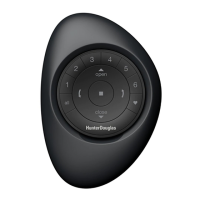
frequency (RF) signal emitted by the PowerView
Pebble
®
Remote, the PowerView Surface, or the
PowerView Hub when used with the PowerView
App, for larger rooms or multiple room
applications. A Repeater comes packed with a
USB power source.
q
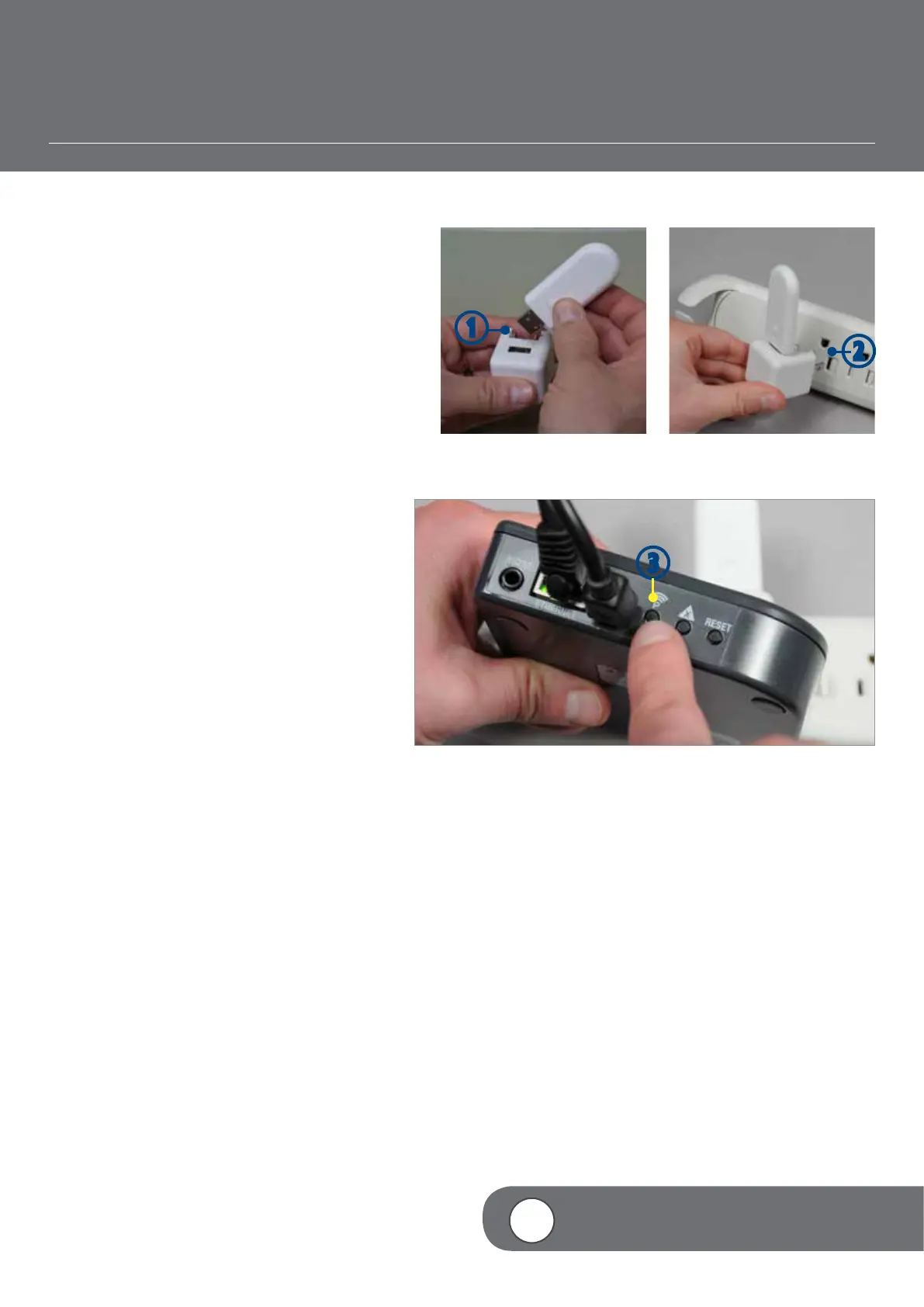
ASSEMBLE the Repeater Kit by
INSERTING the USB end of the PowerView
Repeater into the USB port of the USB
Power Supply.
w
PLUG the Repeater Kit into an electrical
outlet.
NOTE: A solid green light will illuminate on
the Repeater to indicate that it is receiving
power and ready to join a network.
e
PRESS and RELEASE the button labeled
“P” on the back of the Hub.
NOTE: The solid green light on the Repeater
will go out, indicating that it has been paired
to the Hub.
e
q
w


 To Next Page
 Loading...