INSTALLATION
16
Testing the Shade
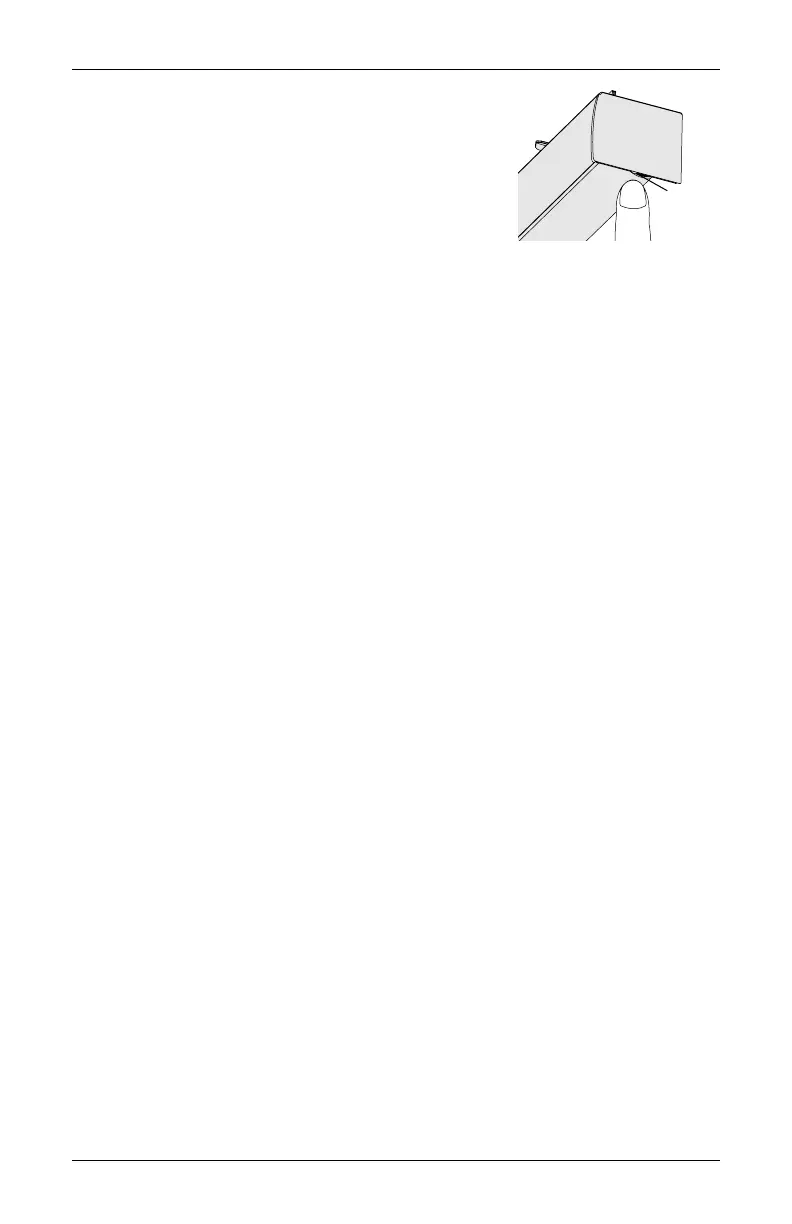
Use the control button to test the shade and ensure that
the motor and power source are working correctly.
NOTE: The control button is located at the right
hand side of the headrail below the endcap.
■
Press the control button to lower the shade. If
the shade does not operate, see "Troubleshooting" on page 19.
■
Press the control button to raise the shade.
CAUTION: When raising the shade for the first time, observe how the fabric rolls up into
the headrail. It should roll up evenly. If the bottom rail is not level or the shade starts to
rub against either window jamb, immediately press the control button to stop the shade.
See "Adjusting the Bottom Rail Weight" on page 26.
■
The control button can also be used in combination with the PowerView
®
App for control
of advanced shade functions and home access. Open the App, then press and hold the
control button to see a list of available functions. See "Operating the PowerView® App
and Gen 3 Remote" on page 17 for more information.
Control
Button









 To Next Page