ColorFlex EZ User’s Manual Version 2.2
12
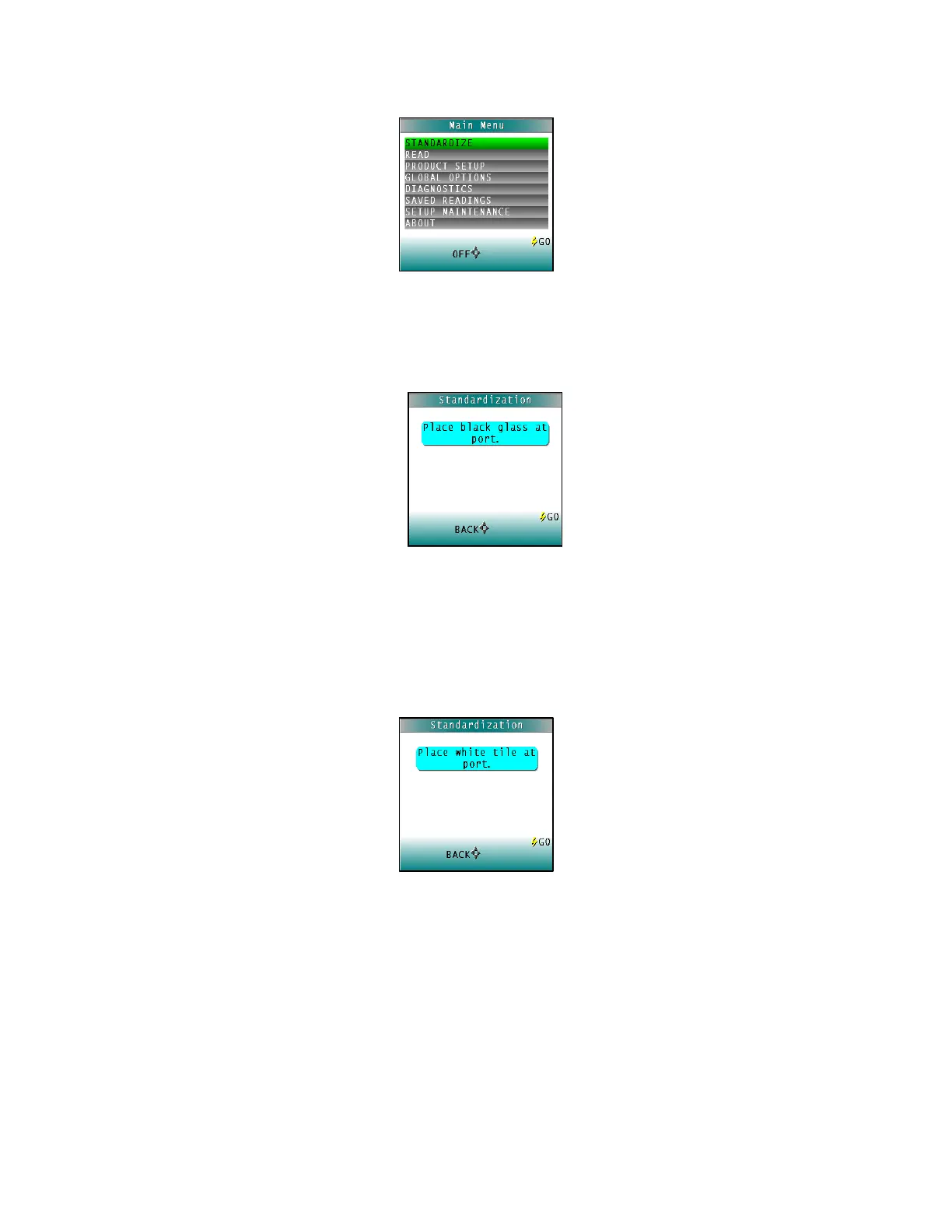
Figure 7. Standardize
2. Place the Black Glass on the measuring port with the shiny side of the glass against
the port. Check that the Black Glass is flat and in solid contact against the port and
that the white dot is facing forward towards the operator.
Figure 8. Place Black Glass at Port
3. Press the GO button. The ColorFlex EZ reads the glass and sets the instrument zero
or bottom-of-scale. When it is finished, the screen prompts for the calibrated White
Tile.
4. Replace the Black Glass with the calibrated White Tile, which is contained in the
standards box.
Figure 9. White Tile Reading
5. Press the button GO. The ColorFlex EZ reads the White Tile and sets the top of scale.
When it is finished, the screen indicates that the instrument has been successfully
standardized.



 To Next Page