ColorFlex EZ User’s Manual Version 2.2
37
CHAPTER FIVE
Setup Maintenance
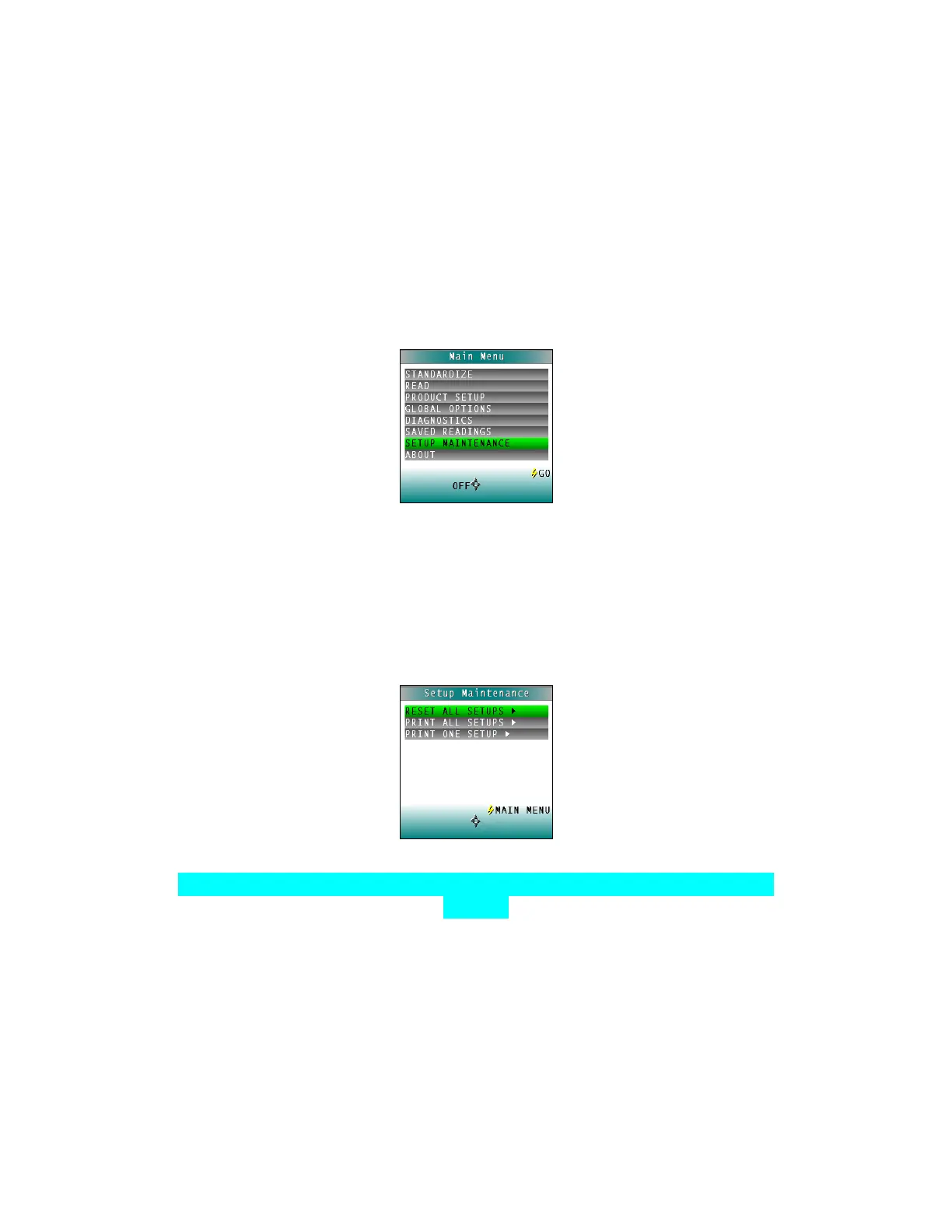
SETUP MAINTENANCE is selected from the main menu by moving the cursor highlight to its
position using the UP and DOWN arrow buttons and then pressing the GO button.
The SETUP MAINTENANCE menu appears. Select the desired command from the menu by
moving the cursor highlight to its position using the UP and DOWN arrow buttons and then
pressing the RIGHT arrow button.
Figure 55. Setup Maintenance
The available commands are described below:
• Reset All Setups
RESET ALL SETUPS first presents a confirmation message then, if GO is selected,
returns all product setups to their default (factory) values.
Figure 56. Reset Setups
Note: The default setups cannot be restored if the setups are locked in Global
Options.
• Print All Setups
This command causes the product setup parameters to output through the USB port
for all the product setups. If the USB cable is connected to a printer, the parameters
will be printed. If the cable is connected to a computer or other device, it will be
sent there.



 To Next Page