ColorFlex EZ User’s Manual Version 2.2
44
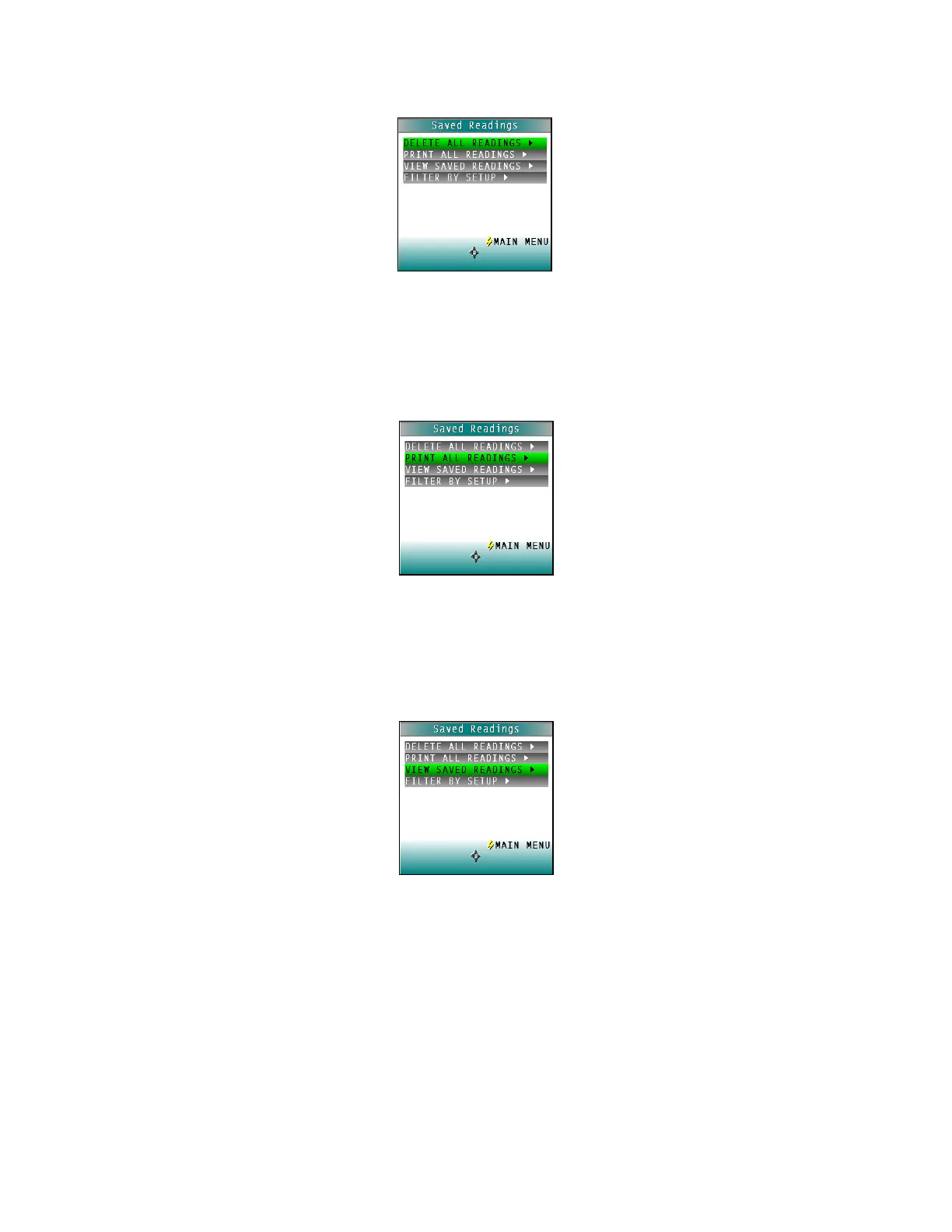
Figure 66. Delete All Readings
• Print All Readings
PRINT ALL READINGS causes all the measurements stored in the ColorFlex EZ’s
memory to be output to the device (such as a computer) or printer connected to the
ColorFlex EZ’s USB port. When complete, return to the SAVED READINGS menu.
Figure 67. Print All Readings
• View Saved Readings
VIEW SAVED READINGS allows the user to view and scroll through the readings
saved in the ColorFlex EZ’s memory. The first reading stored in memory (which was
assigned an ID of 0001 by default) will be shown first.
Figure 68. View Saved Readings
Press PRINT (down arrow) to output the saved reading currently shown to the
device (such as a computer) or printer connected to the ColorFlex EZ’s USB port.



 To Next Page