ColorFlex EZ User’s Manual Version 2.2
13
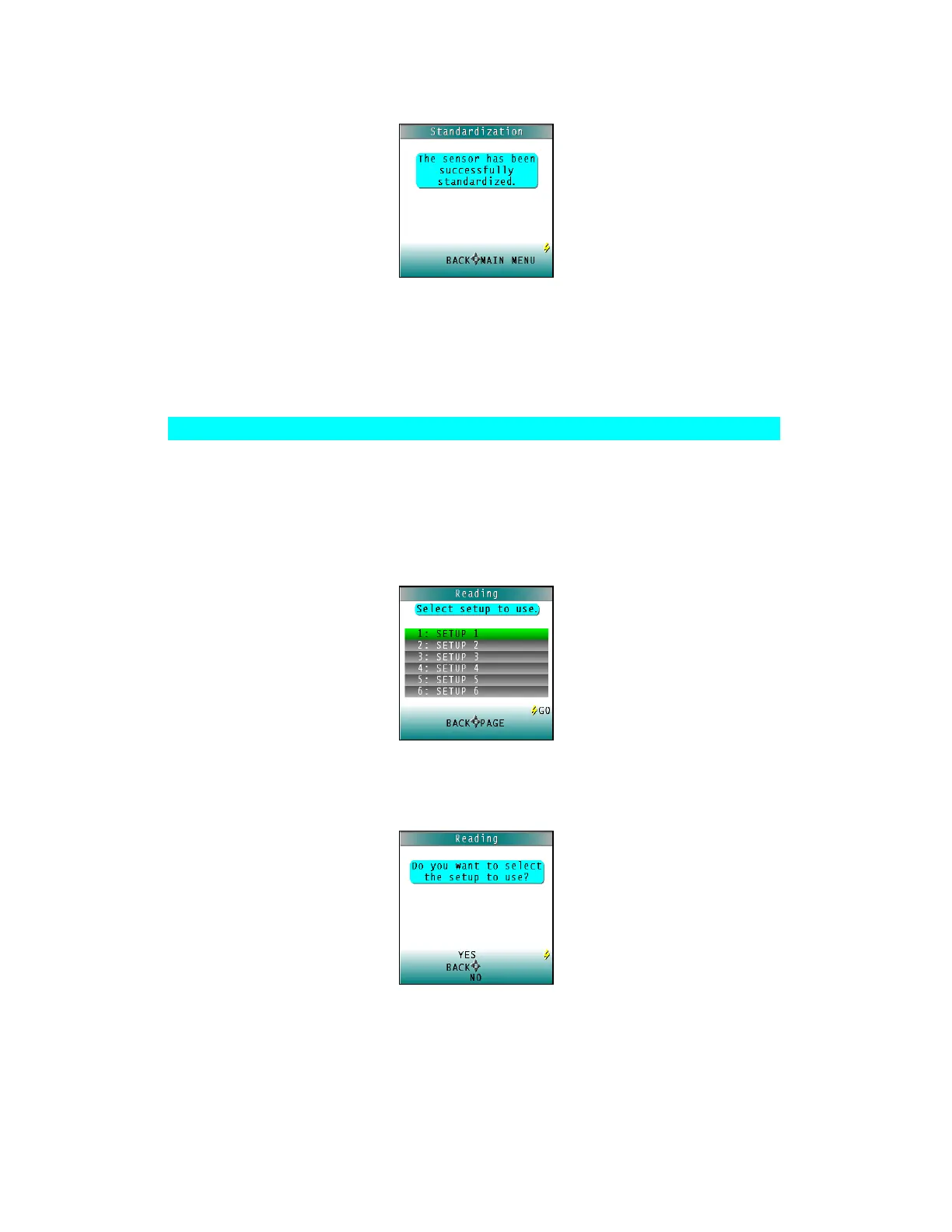
Figure 10. Confirmation of Standarization
6. Press MAIN MENU (right arrow) to return to the main menu.
Reading Individual Samples
Complete the following steps to take individual readings using the ColorFlex EZ:
Note: These instructions apply when Average in the product setup is set to OFF.
1. Select READ from the ColorFlex EZ’s main menu. Move the cursor to highlight its
position using the UP and DOWN arrow buttons and then press the GO button.
2. The first Reading screen appears, for setup selection. To read the last product setup
used, press NO (down arrow) and skip to Step 4. To select the setup for use from the
list of setups, press YES (up arrow), and select the setup.
Figure 11. Select Setup
3. Scroll through the list of setups using the UP and DOWN arrow buttons until the
desired setup is highlighted. Then press the GO button to use that setup.
Figure 12. Select Setup



 To Next Page