ColorFlex EZ User’s Manual Version 2.2
33
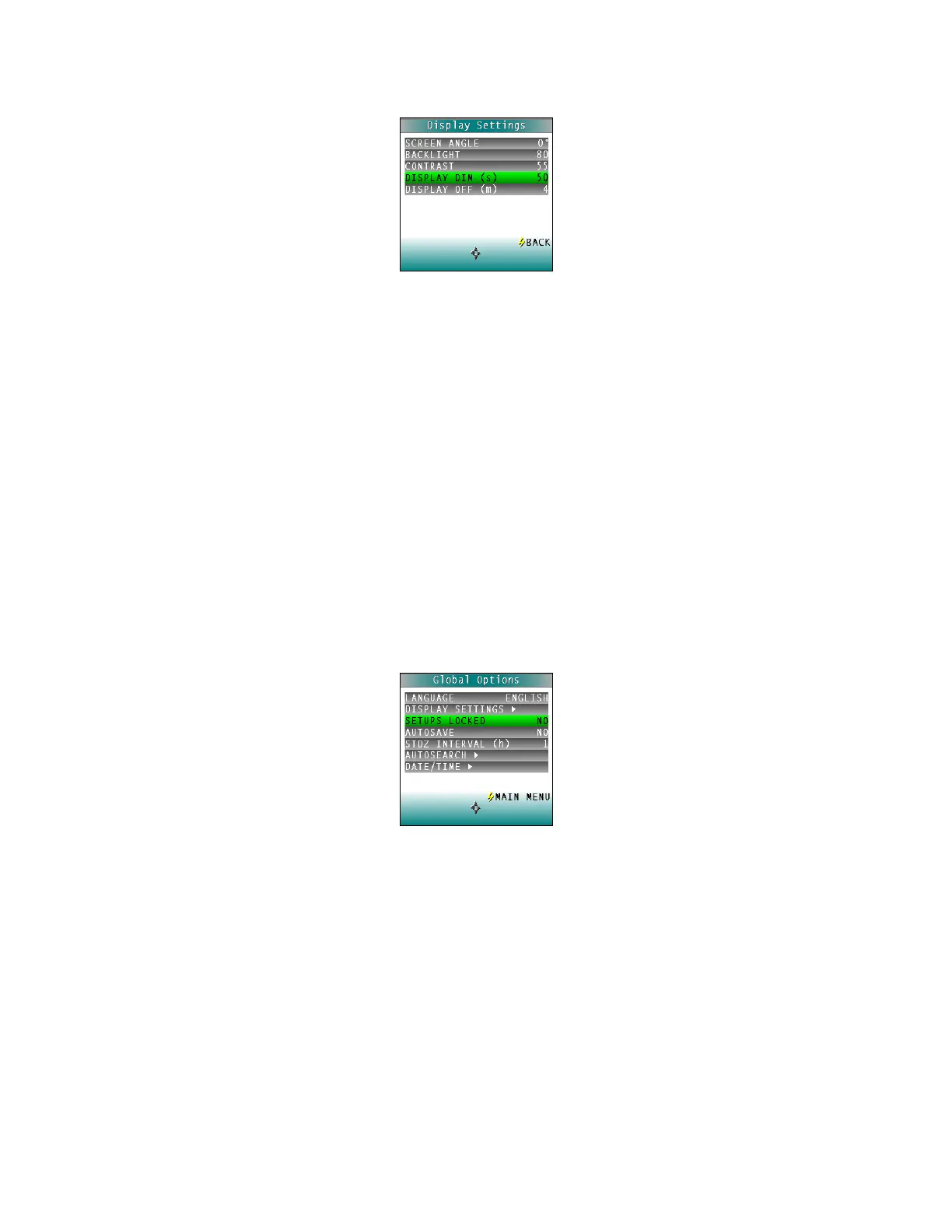
Figure 47. Display Dim
• Display Off
Press the RIGHT arrow button to increase the time (in minutes) elapsed after the last
button press to before the ColorFlex EZ’s display automatically turns itself off. Press
the LEFT arrow button to decrease that time. Values between 1 and 4 minutes may
be selected in increments of 1. When the display turns off, it may no longer be seen,
but the press of any button on the button pad causes the display to turn back on.
The ColorFlex EZ will turn off entirely (display and processor) once 5 minutes has
elapsed since the last button press. Press any button to re-activate. Press BACK (the
lightning bolt) to return to the Global Options screen.
Setups Locked?
Choose YES to lock the product setups so that changes cannot be made. Choose NO to allow
changes to the product setups. Each press of the RIGHT arrow button toggles between YES and
NO.
Figure 48. Setups Locked
AutoSave
Choose YES to save each measurement automatically to the instrument’s Datalog. Choose NO
to save the measurements manually, only on demand.



 To Next Page