ColorFlex EZ User’s Manual Version 2.2
52
Press DIAGS MENU to return to the Diagnostics menu. Press MAIN MENU to return
to the main menu.
• Signal Levels
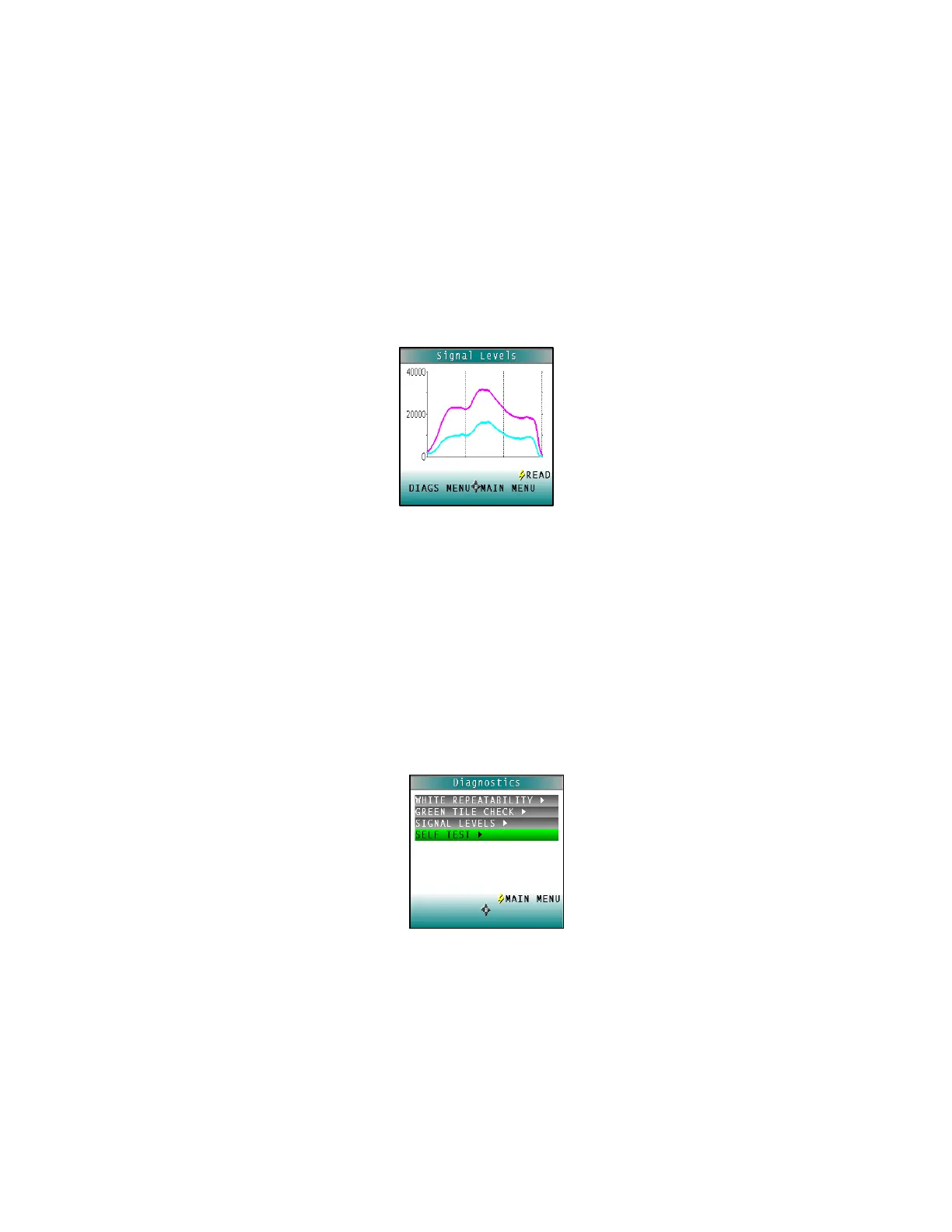
The Signal Levels diagnostic prompts to place a sample at the measurement port.
Normally this will be the White Tile, but other instructions may be provided by
HunterLab’s Service Support staff. Place the White Tile at the port and press GO.
The sample and monitor channels are plotted on a graph for examination by
HunterLab’s Service Support staff.
Figure 76. Signal Levels
Press READ to read again. Press DIAGS MENU to return to the Diagnostics menu.
Press MAIN MENU to return to the main menu.
• Self-Test
The DIAGNOSTICS MENU contains a fourth function named SELF TEST. When this
function is selected, communications tests between the ColorFlex EZ’s subsystems
are run. If successful, the versions of the firmware present would be displayed. Also
shown is the value of the checksum of the instrument’s calibration data as four
hexadecimal digits.
Figure 77. Self-Test



 To Next Page