ColorFlex EZ User’s Manual Version 2.2
50
Diagnostics
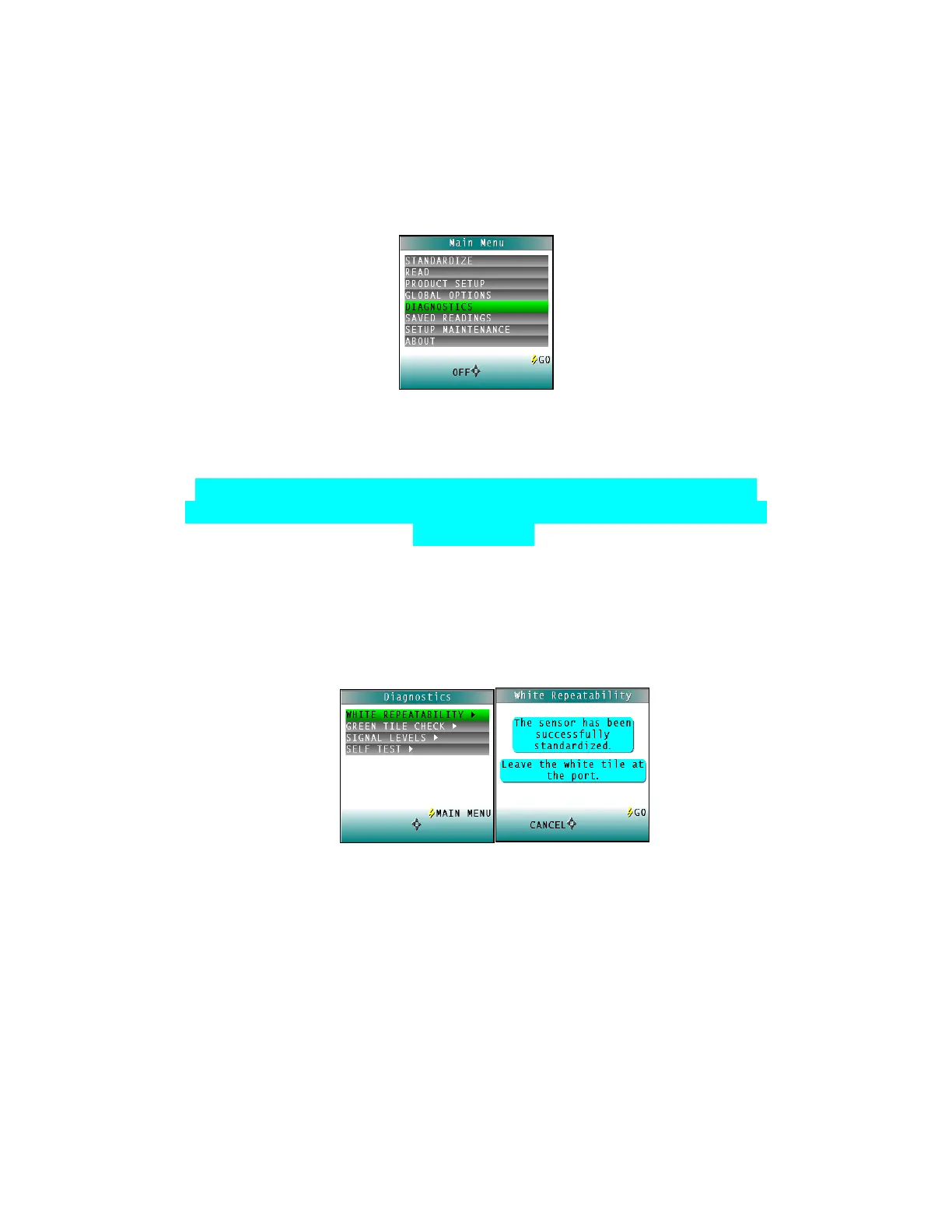
The Diagnostics Tests can be run to verify instrument performance. Diagnostics is selected from
the main menu by moving the cursor highlight to its position using the UP and DOWN arrow
buttons and then pressing the center GO button. The Diagnostics menu appears.
Figure 71. Diagnostics Menu
Choose the desired function by scrolling using the UP and DOWN arrow buttons until the
desired test is highlighted and then pressing the right arrow button.
Note: When running all Diagnostic Tests the standard port plate must be
installed. This is the one-inch opening (approximately) without any glass or
plastic covering.
• White Repeatability
The White Tile Repeatability screens prompts through a normal standardization for
the instrument. When standardization is complete, leave the calibrated White Tile in
position at the sample port and press the GO button.
Figure 72. White Repeatability
Twenty readings of the calibrated White Tile are made automatically and the results
of each reading is shown. This test may be cancelled at any time by pressing
CANCEL. When all readings are complete, the result and a rating of pass or fail is
shown.
To PASS, dE* must be less than or equal to 0.05.



 To Next Page