ColorFlex EZ User’s Manual Version 2.2
64
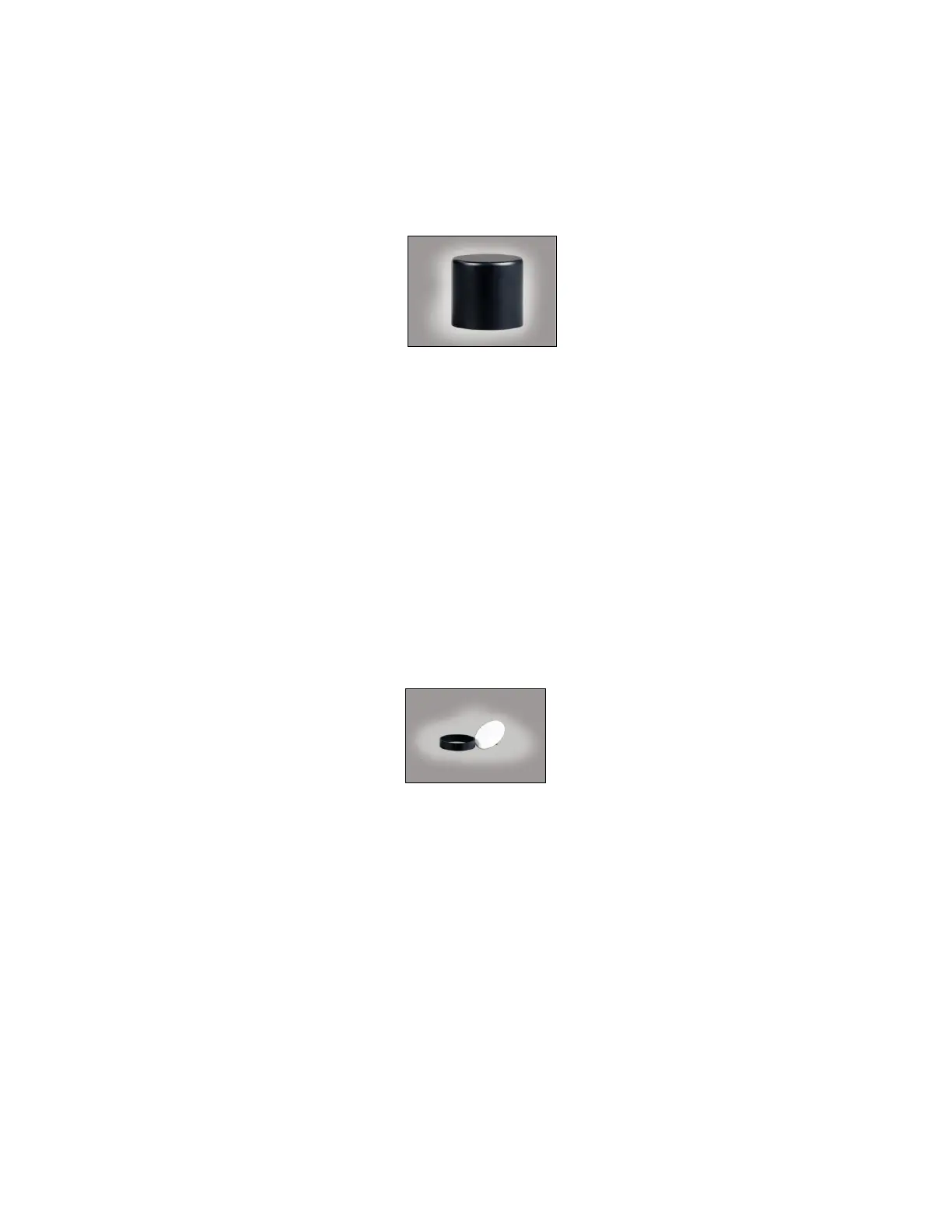
• Sample Cup Opaque Cover
The opaque cover provides a light trap to exclude the interference of external light
on a sample contained in the 64 mm (2.5-in) sample cup. It is placed over the filled
cup at the sample port as shown below.
Figure 88. Sample Cup Cover
• Ring and Disk Set
The ring and disk set includes a plastic ring and ceramic disk designed for use inside
the 64 mm (2.5-in) glass sample cup (sold separately). The ring and disk set are
recommended for use when measuring translucent liquids, transparent liquids, and
semi-solids to exclude external light and provide a consistent white background and
sample path length.
Place the ring inside the sample cup and fill the cup with the sample to a level above
the ring. Then place the ceramic disk on top of the sample (until it rests on top of
the ring) with the white portion facing the sample. If desired, cover the entire
assembly with the opaque cover (sold separately). Measure the sample at the
sample port through the glass bottom of the sample cup with the instrument in the
port-up orientation.
Figure 89. Ring and Disk
• EasyMatch QC Software
EasyMatch QC is a Windows-based computer program that performs numerical
calculations on data measured by the ColorFlex EZ, stores sample measurements,
and provides graphical representations of data. Measurements may be made and
stored in the ColorFlex EZ memory and then uploaded into the software, or the
ColorFlex EZ may be directly controlled by the software. Instructions for EasyMatch
QC are provided in its separate User’s Manual.



 To Next Page