ColorFlex EZ User’s Manual Version 2.2
39
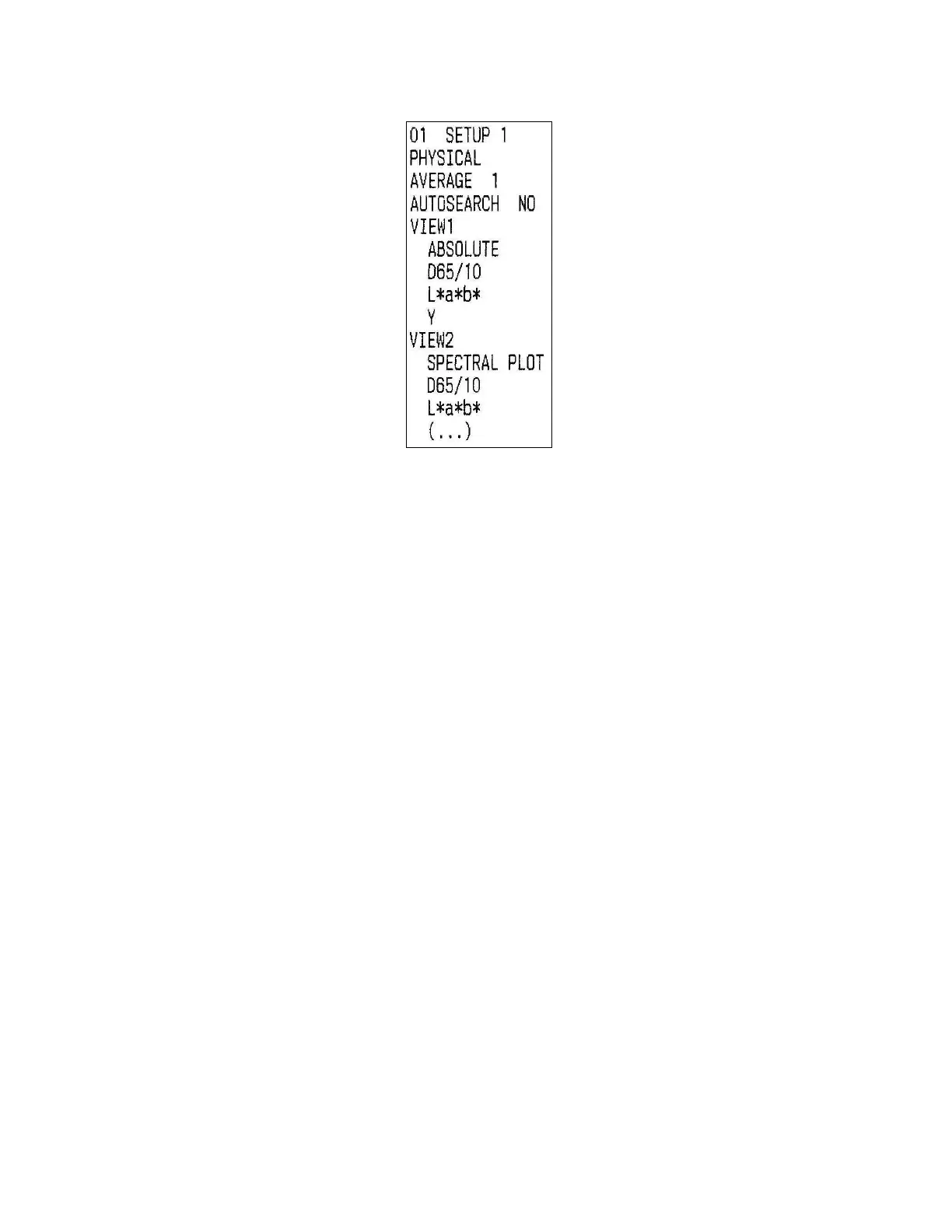
Figure 59. Printout
• Clone All Setups
CLONE ALL SETUPS appears in the Setup Maintenance menu only when two
ColorFlex EZs are connected via the standard ColorFlex EZ USB cable and a Standard-
A to Mini-A adapter. When CLONE ALL SETUPS is chosen on one of the ColorFlex EZs,
the full set of 100 product setups are sent from the initiating instrument to the
second connected instrument. This process takes several minutes.
Press CANCEL to stop the setup cloning while it is in progress.



 To Next Page