ColorFlex EZ User’s Manual Version 2.2
45
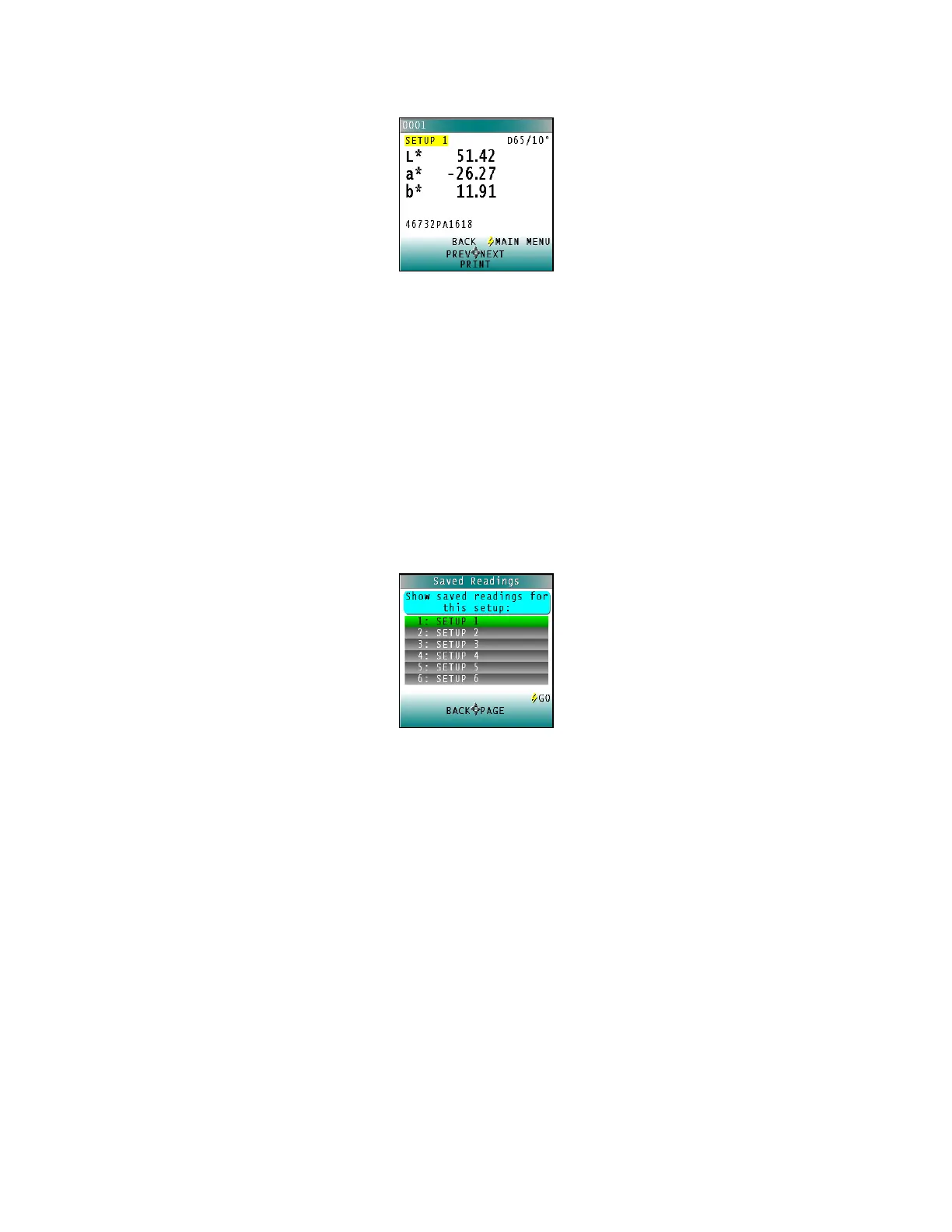
Figure 69. Print Saved Reading
Press NEXT (right arrow) to move forward to the next saved reading or PREV (left
arrow) to move back to the previous saved reading.
Press BACK (up arrow) to return to the Saved Readings menu or MAIN MENU
(center button) to return to the main menu.
• Filter by Setup
FILTER BY SETUP views the readings by choosing the product setup. The SAVED
READINGS screen is shown first. Scroll through the setups using the UP and DOWN
arrow buttons until the selected setup is highlighted, then press GO (center button).
Scroll through the list of setups by advancing a page at a time using the PAGE (right
arrow) button.
Figure 70. Saved Readings
View, print, and move through the readings saved for this setup in the same way
described above for VIEW SAVED READINGS.



 To Next Page