ColorFlex EZ User’s Manual Version 2.2
42
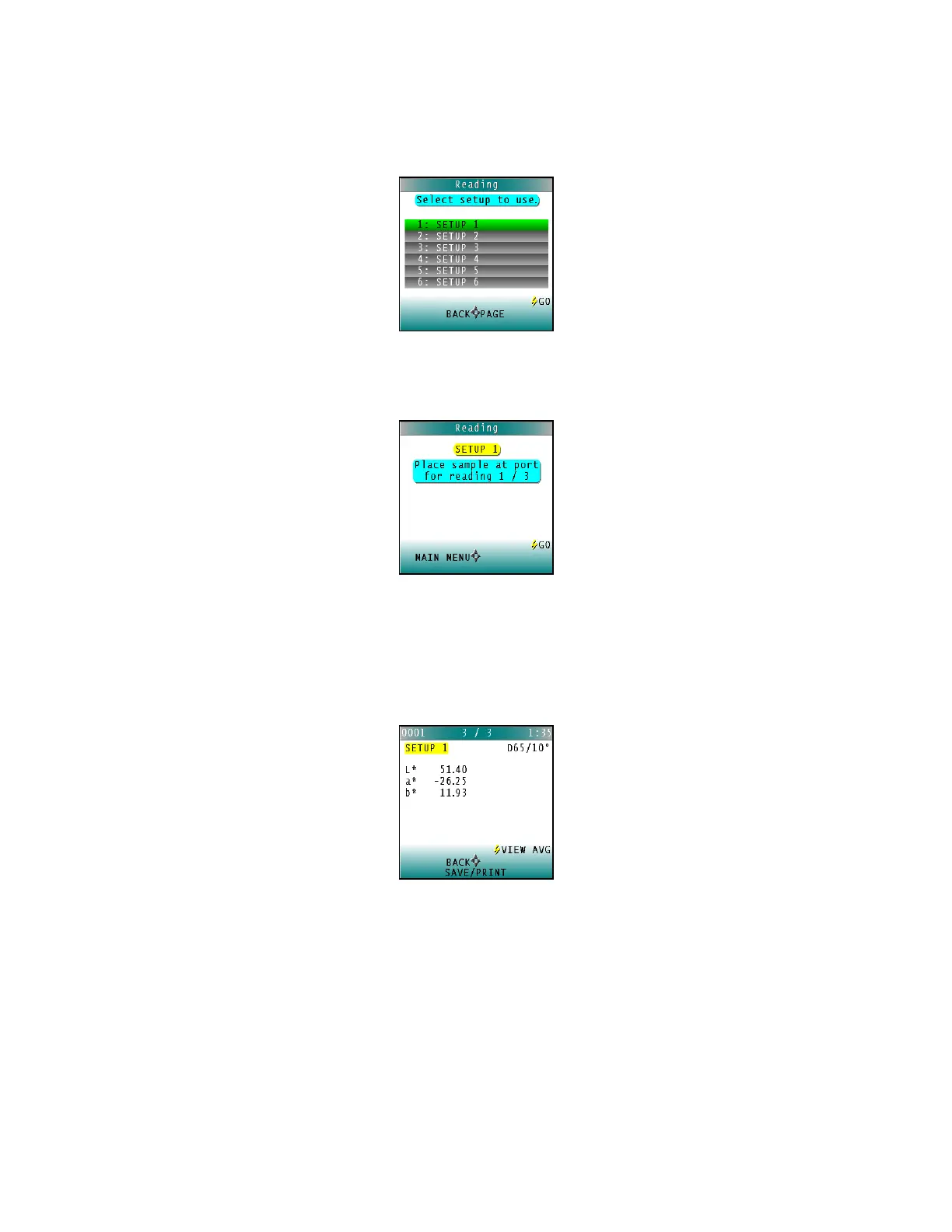
3. Scroll through the list of setups using the UP and DOWN arrow buttons until the
setup is highlighted. Then press the center button GO to move to that setup.
Figure 62. Select Setup
4. The first reading screen appears, to place the standard for reading 1 of n (if the
product setup uses a working standard) or sample for reading 1 of n.
Figure 63. Place Sample at Port
5. Place the standard or sample at the sample port with the side to be measured
toward the port. Make sure the item is flat against the port and completely covers it.
6. Press the GO button to read. The standard or sample is read and its values (as
configured in the product setup) displayed on the screen.
Figure 64. Reading with Averaging
7. Press SAVE/PRINT (down arrow) to both save the reading in the ColorFlex EZ’s
memory and print the reading if a USB printer is connected.
8. Press GO to make the next reading in the averaging sequence. (Rotate or reposition
the sample before doing so.)
9. After all readings in the averaging sequence have been made press SAVE/PRINT
(down arrow) to both save the reading in the ColorFlex EZ’s memory and print the
reading (if a USB printer is connected).



 To Next Page