34 Digital Refractor CDR-9000
-
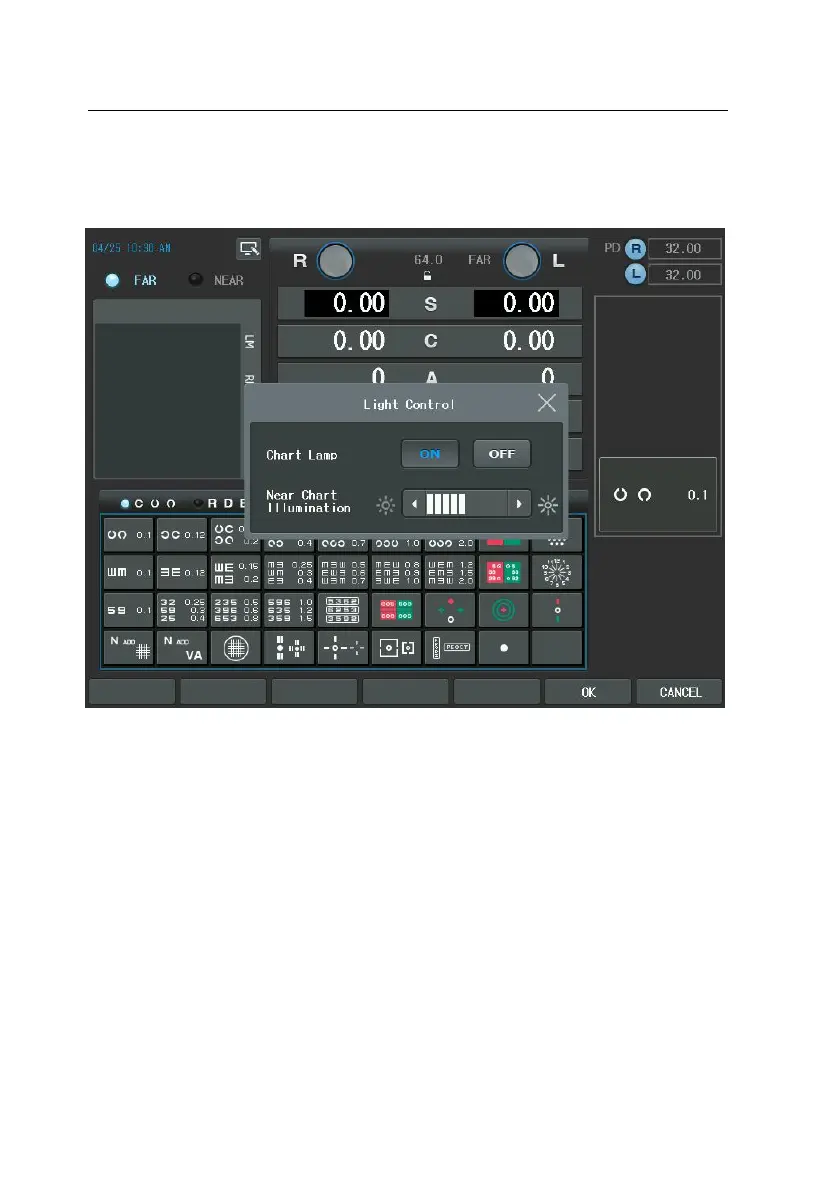
To adjust brightness of the Near Chart illumination, press arrow button
of the touch screen or use dial.
7) Data Clear button (CLEAR) ([SHIFT])
- Clears the field data partly or entirely and removes all the lenses in th
e Digital Refractor.
- Initializes only the contents on the current mode if pressed with the [S
HIFT] button.
- (TIP) You may change the behavior of [CLEAR] button as either ‘SOFT’
reset or ‘HARD’ reset in the page 7 of the system configuration menu.
‘HARD’ reset initializes the CDR-9000 physically from the beginning, n
ot just removes the lenses and clears the data on the display.



 To Next Page