Digital Refractor CDR-9000 35
8) Print, Load and Mode Selection buttons
- Prints the measured results.
- Prints the results from other instruments if appropriate system option i
s set.
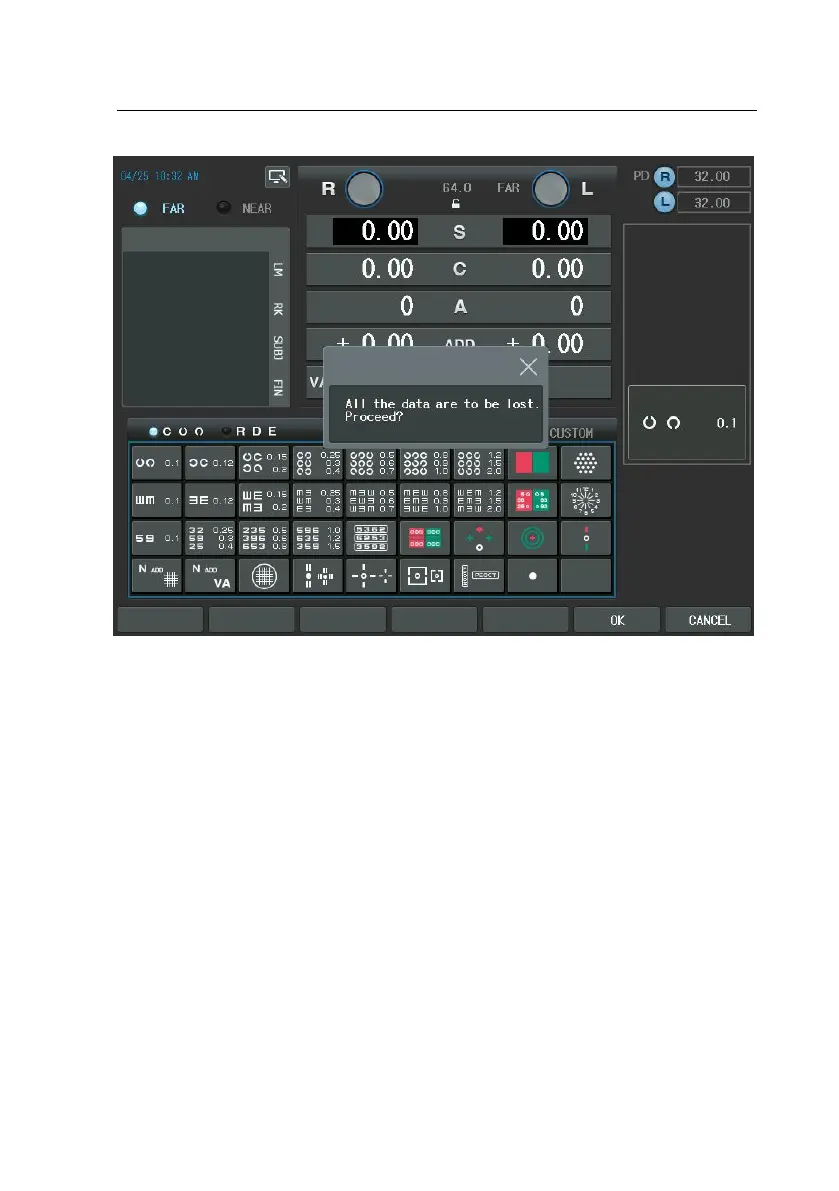
- By setting the system option, Auto Clear, as ‘YES’, the whole test result
s are cleared automatically after printing out as just the way the [CLEA
R] button works.
- Changes mode by pressing the following buttons.
- [UA]: unaided visual acuity mode
- [SUBJ]: SUBJ (Subjective) mode
- [FIN]: final prescription mode
- Press the corresponding button with [SHIFT] if you are to change mod
e and load data simultaneously.
- In the standalone system, if either [RK] or [LM] button is pressed, the l



 To Next Page