36 Digital Refractor CDR-9000
atest transmission datum is automatically loaded.
-
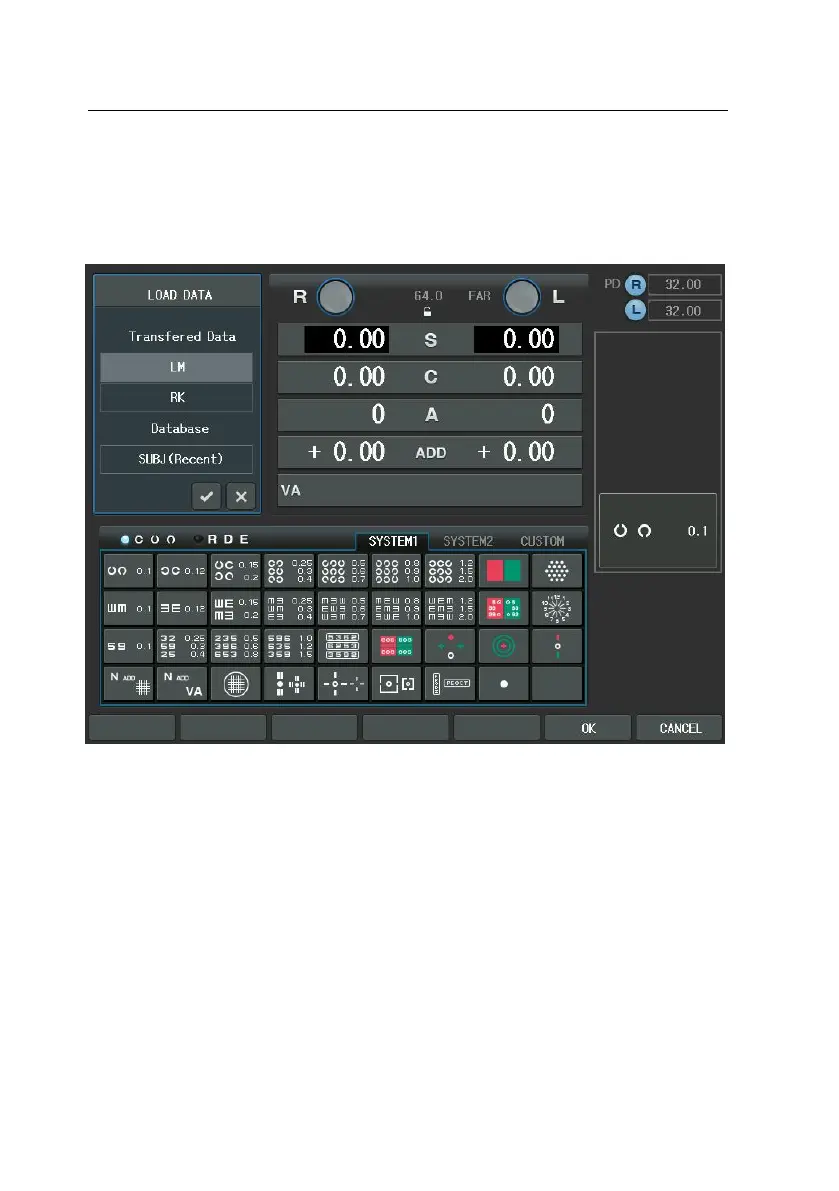
Receives data from the RK/LM by pressing the [LOAD] button.
-
The transferred data to CDR-9000 system will be queued in regular seq
uence and the received data list up to now can be verified by selectin
g LM and RK in “Transferred Data” item after pressing the [LOAD] butt
on. When there is no data, if the [LM] or [RK] button is pressed or L
M and RK field is selected in the “Transferred Data”, there will be beep
sound twice to give warning. Therefore, examine network connection i
n advance before sending data and then try again to press the [PRINT]
button on RK or LM side one more time.
-
When the [LM] or [RK] button is pressed or LM and RK field is selecte
d in the “Transferred Data” area, containing one or more measurement
s transmitted from RK or LM, data list will be popped up and the mea
sured value will be shown on the left windows using the arrow keys a



 To Next Page