44 Digital Refractor CDR-9000
-
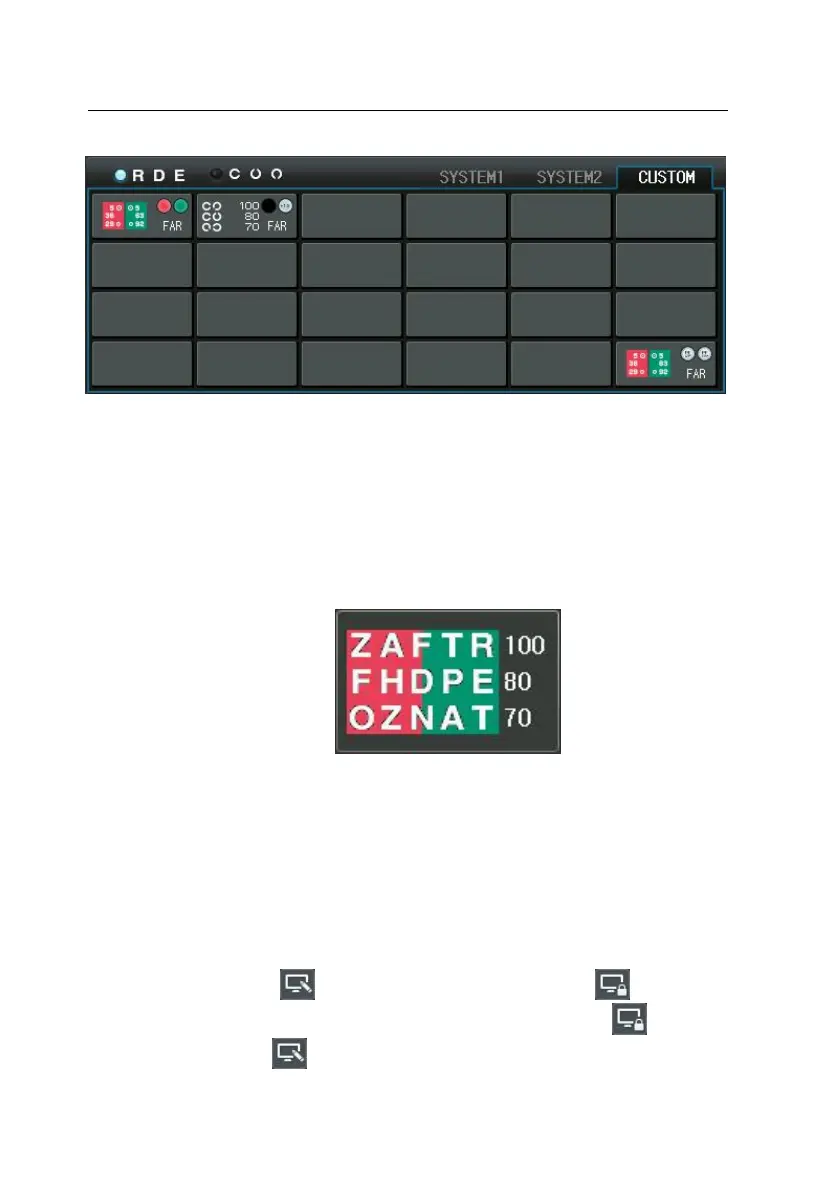
To unlink VA charts (i.e. only chart is displayed, and other functions rel
ated with VA chart are disabled), press VA chart with the [SHIFT] butto
n.
-
Sets red/green filter on a presented visual acuity chart. Pressing the bu
tton again removes the red/green filter set previously.
-
Removes chart mask if a presented visual acuity chart is masked but n
ot red/green filter.
5) Buttons for Function Key
-
Execute or select the function keys in the bottom area of the LCD disp
lay.
-
Are useful to modify increment unit for the SPH/CYL/AXIS value.
-
Execute required instructions on doing job such as program/message e
diting or printing.
- If press the button of the touch screen, appear button and
can’t press all buttons of the touch screen. Press again button, th
en change button and can use all buttons of the touch screen. T



 To Next Page