78 Digital Refractor CDR-9000
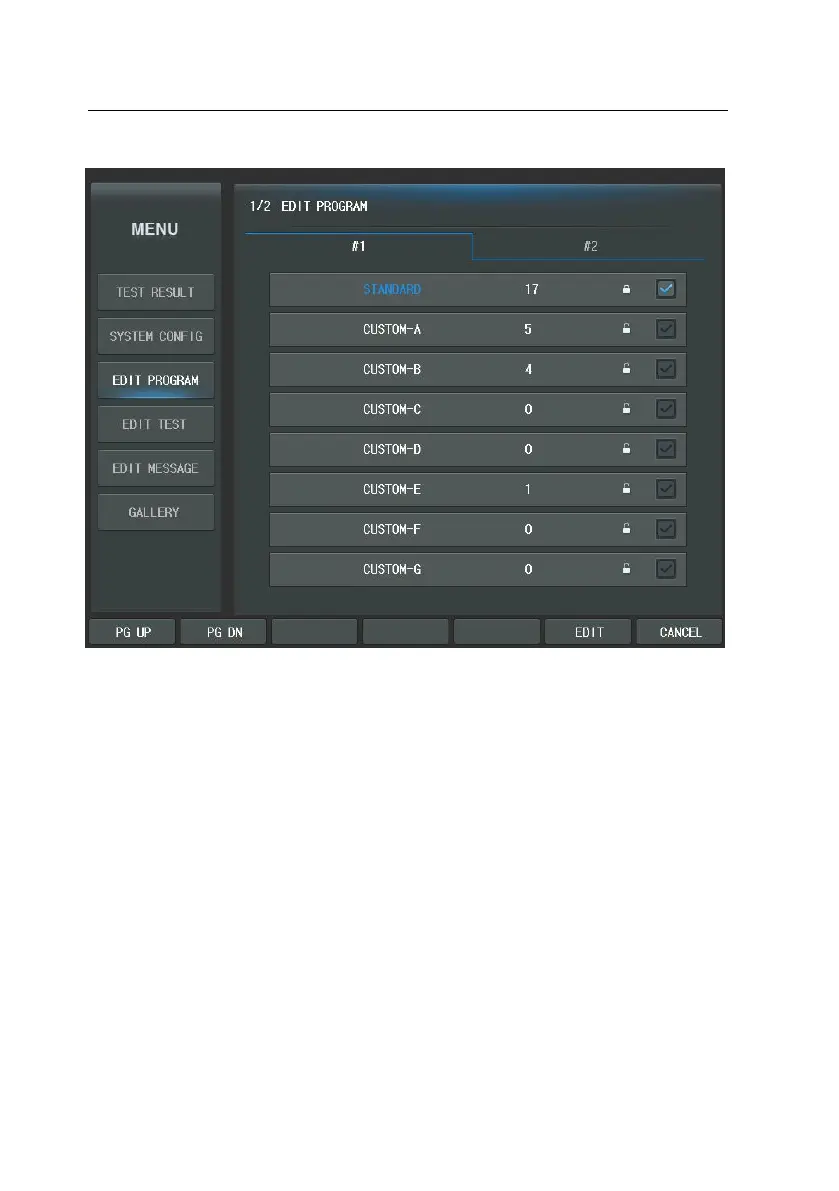
In the editing display, the Program name and the step are appeared on the top
area. The first number stands for the current step and the second number follo
wing “/” for the whole steps. For instance, if the user-designable program has 1
0 steps all together and the current step is the 4th, “4/10” will appear. The maxi
mum step of user-defined program is 32.
The left-top area shows elements and value to define. In the downward the Cha
rt buttons are located. Function buttons are located in the bottom line. The righ
t area is appeared the thumbnail window. It includes the program of each step.
The thumbnail window is very useful to users. This window supports the functio
n that can show the value of the program and can execute to move each step
by press thumbnail button of the touch screen.



 To Next Page