82 Digital Refractor CDR-9000
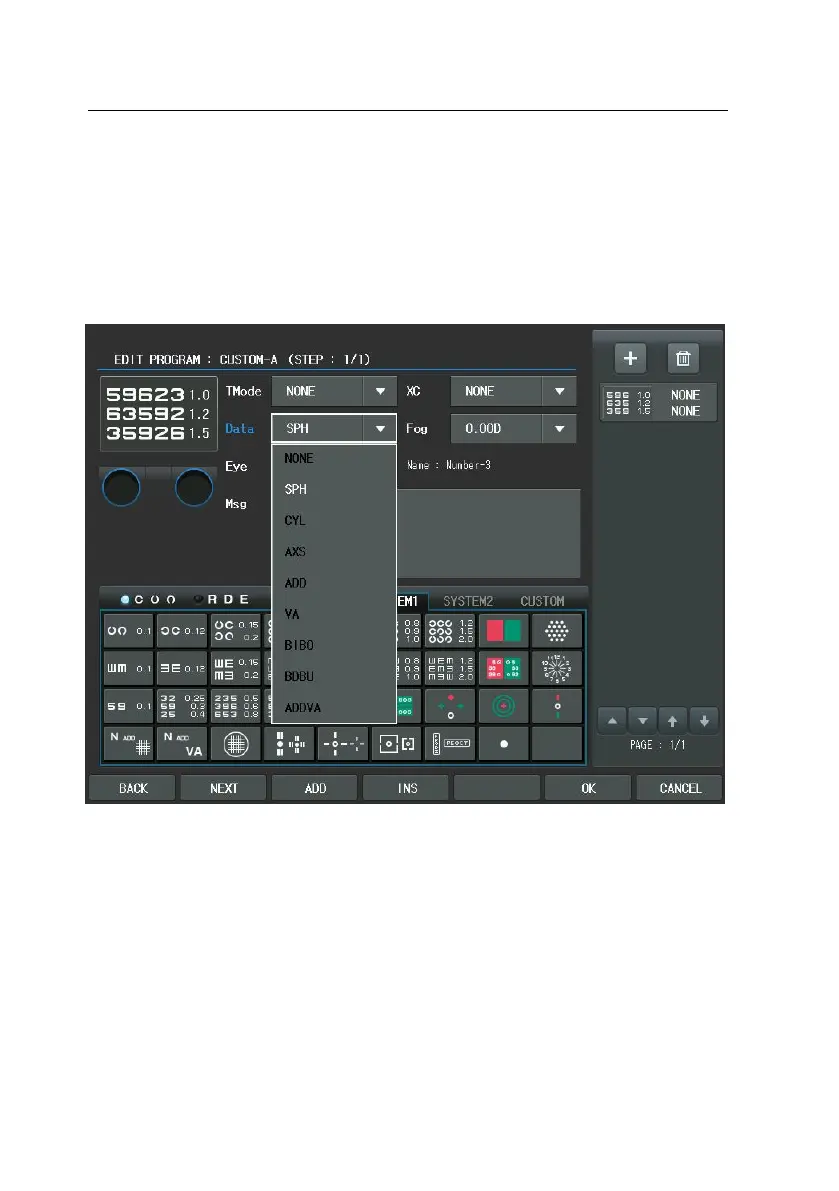
-Letter] and the Chart item to [Letter-6]. Choose the Test and turn the di
al to change Test and Chart Items. The simplified method is that press th
e Chart button of the touch screen and turn the dial to assign [BIN(OU)].
Notice that the Mask buttons cannot be used to move within menu afte
r the VA Chart is selected.
2) Now that the initial setting has been finished, let’s start the second step
by press [ADD] button of the touch screen to add a new display (step) f
or the user-defined program. Push the Red/Green Balance Chart in this di
splay and then the Test item will be changed to [Red/Green Test] and the
Chart item to [Red/Green]. After selecting the chart, subsequently choose
the Test Mode (Dist.) item in the left window and turn the dial to assig
n [FAR]. Likewise, choose the Eye item and turn the dial to assign [BIN(O
U)].


 To Next Page
 Loading...