Digital Refractor CDR-9000 83
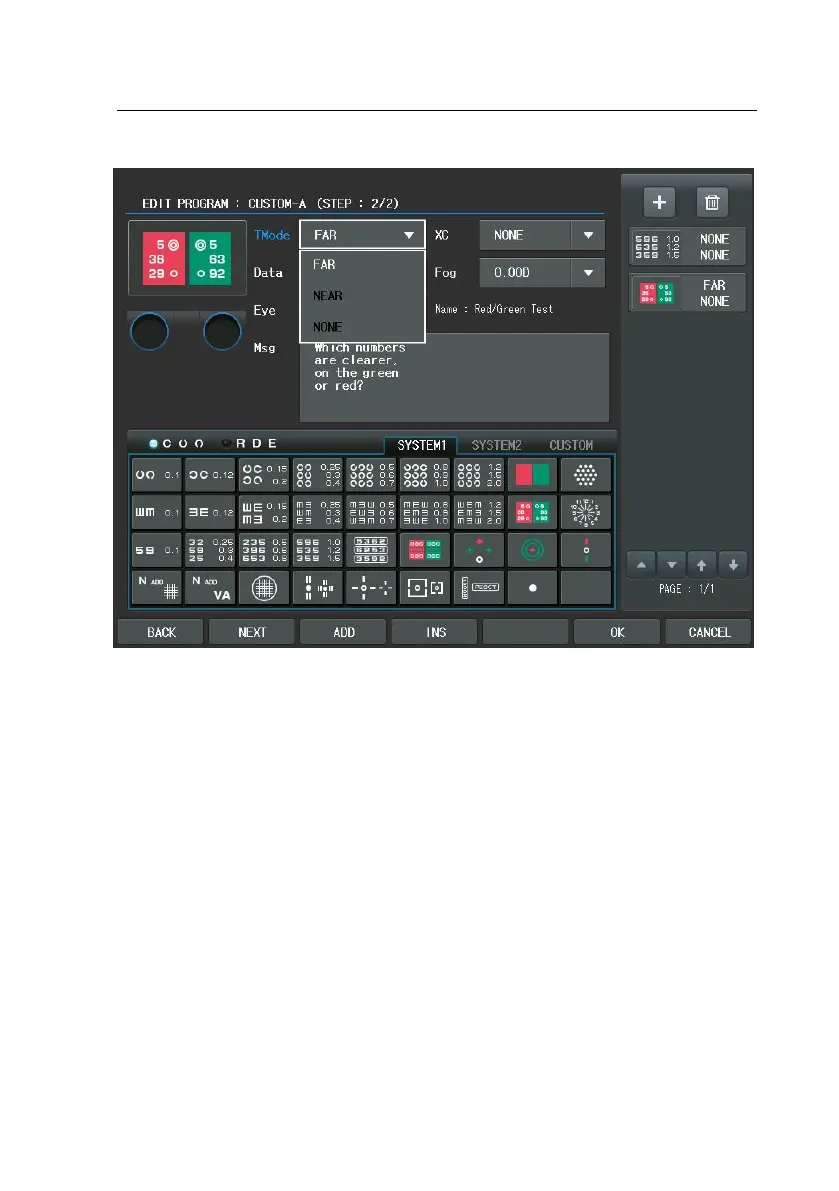
3) Let’s enter the third step. Similarly, press the [ADD] button to add the ne
w display for the user-defined program. Push the Dots Group Chart in thi
s display and the Chart item to [Dots Group]. After selecting the chart, s
ubsequently choose the Test Mode (Dist.) combo-box button of the touch
screen and select [FAR]. Likewise, choose the Eye item combo-box button
and select [RIGHT]. Afterward, select the Cross Cylinder item combo-box
button and select [0.25].


 To Next Page
 Loading...