84 Digital Refractor CDR-9000
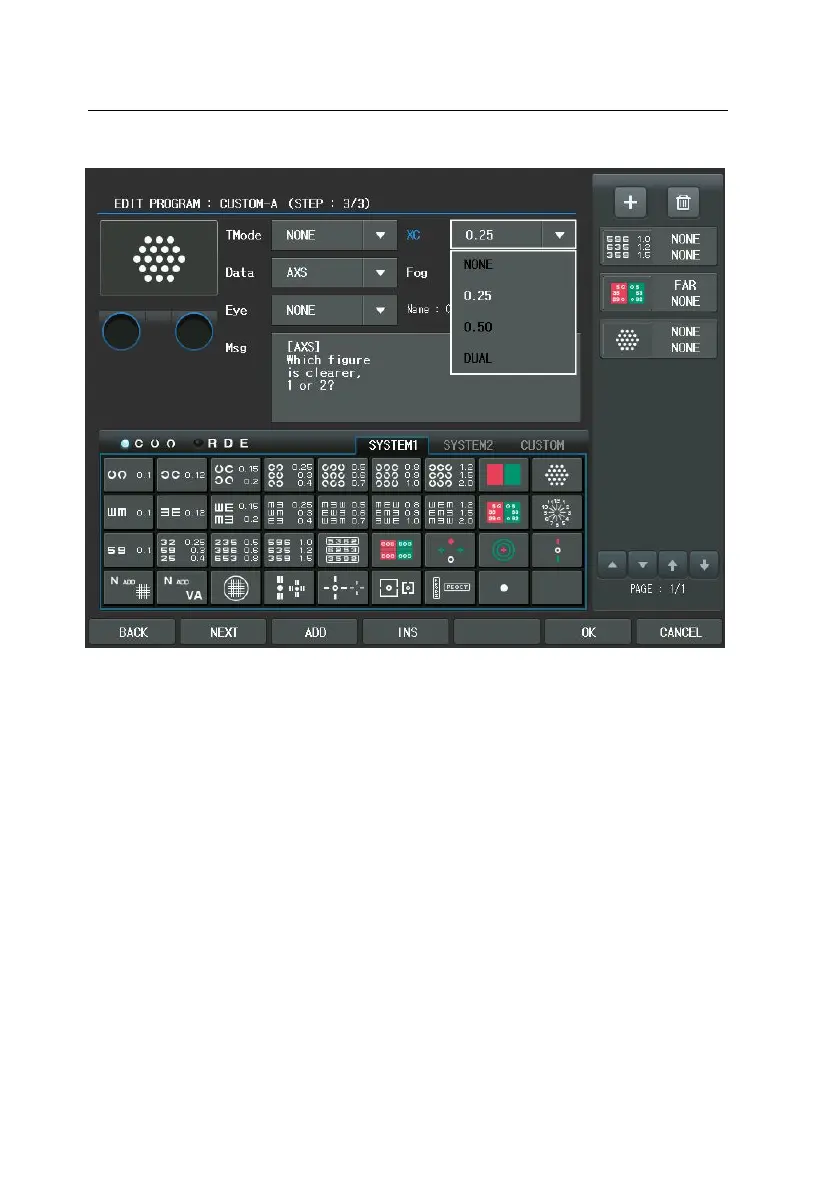
4) The 4th step. Also press the [ADD] button to add a new display for the
user-defined program. Push the Dots Group Chart in this display. Because
we are planning to measure not AXIS but CYL, push the Dots Group Ch
art once more to change the Test item and the Chart item to [Dots Grou
p]. At this moment, assign the Test Mode (Dist.), Eye and Cross Cylinder i
tems like 3).


 To Next Page
 Loading...