86 Digital Refractor CDR-9000
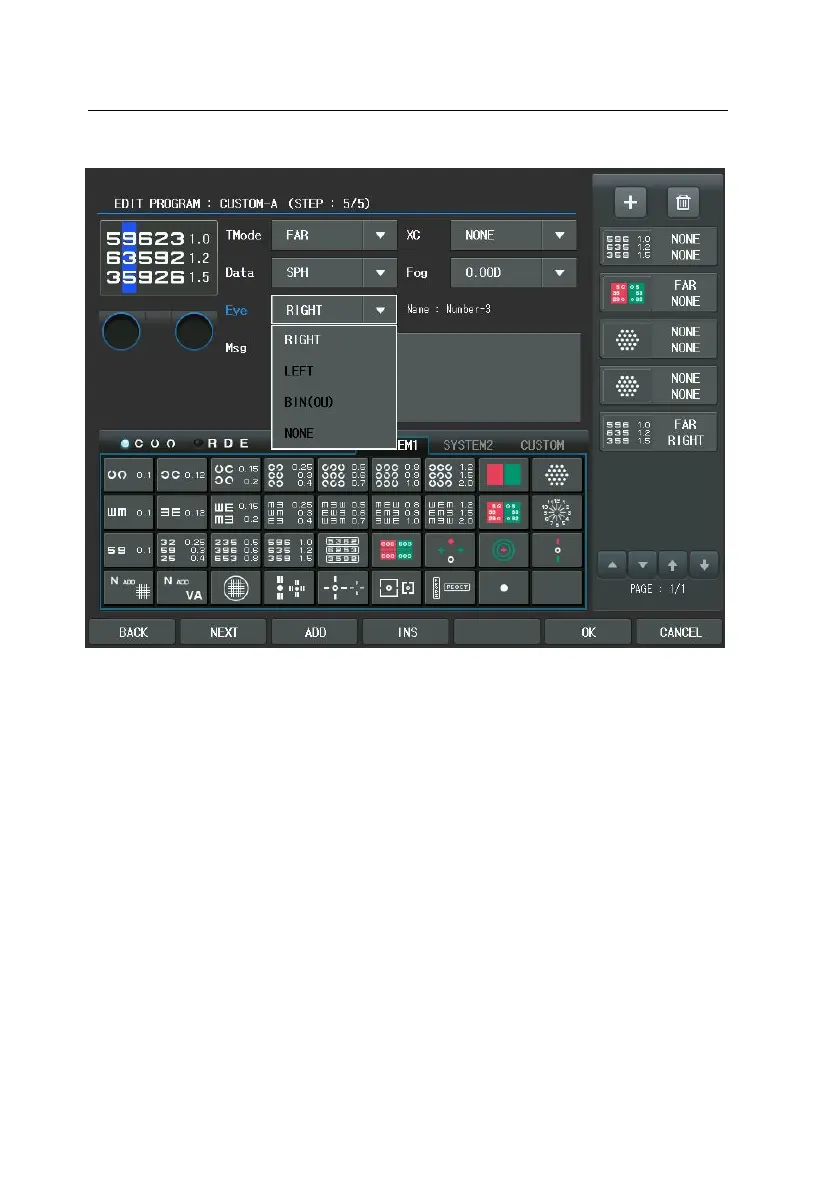
Since we have finished all steps, press [OK] button of the touch screen to save
and exit. Push [SHIFT] + [START] button to see the program list which we comp
osed just before and choose “CUSTOM-A” to launch this program in practice.
There are some hints to be able to build a program more quickly. First one is h
ow to select the auxiliary lens and the inspection item. If you press the Auxiliary
Lens item, Aux. Lenses dialogbox appear. After choosing the Auxiliary Lens item,
required lenses can be assigns at a time.


 To Next Page
 Loading...