Digital Refractor CDR-9000 89
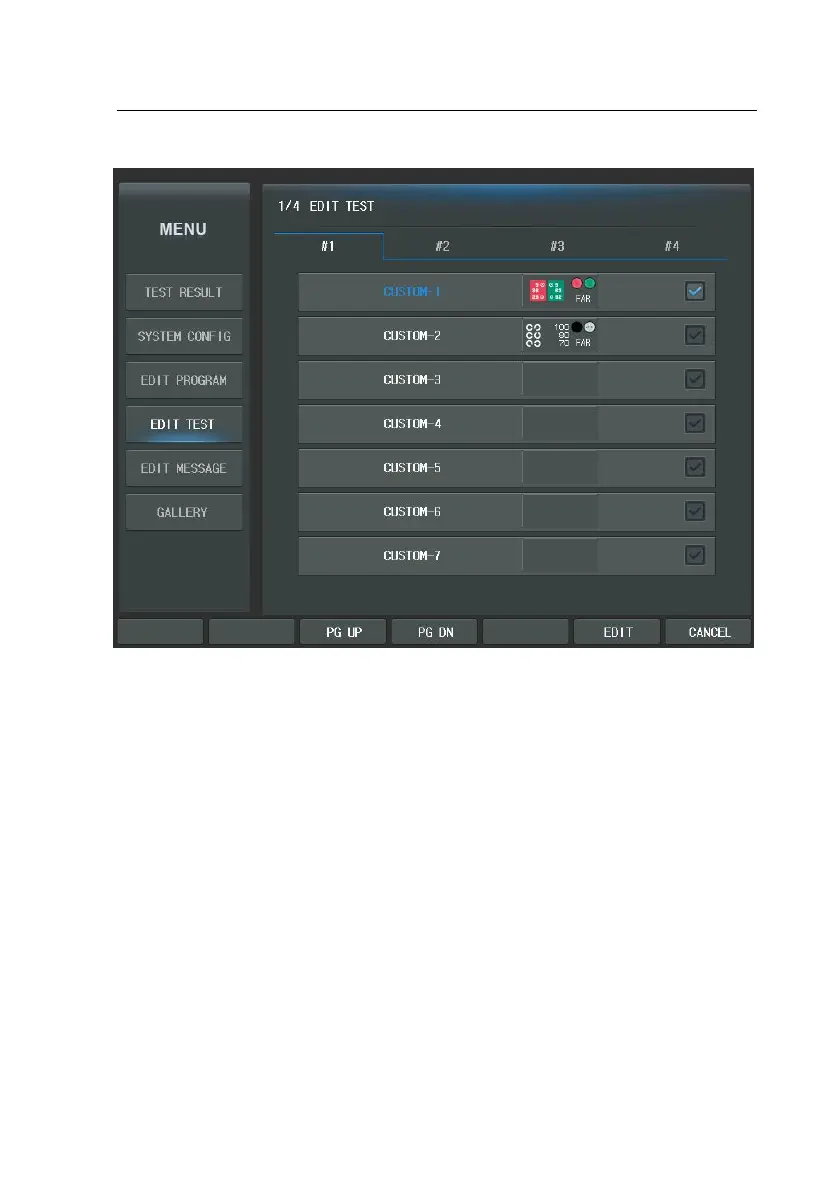
If “CUSTOM-A1” is selected, the display similar to the user-defined program editi
ng described in chapter 9.1 will appear. However the [BACK], [NEXT], [ADD], [INS]
buttons are nowhere. But, it can be operate using the buttons of thumbnail are
a. The Chart can be directly chosen.



 To Next Page