94 Digital Refractor CDR-9000
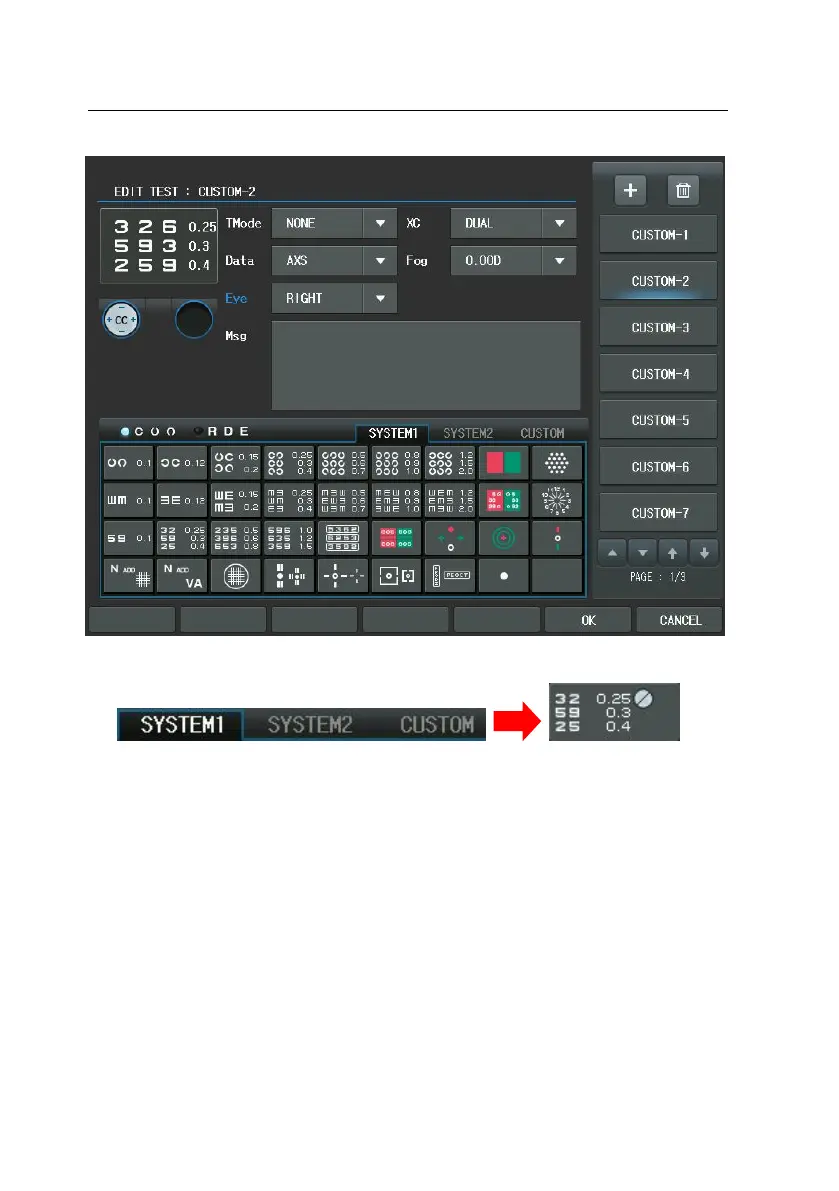
Push the [OK] button to save and In the Main screen press the [CUSTOM] butto
n of the chart area and press the second chart to execute this unit test progra
m. Consequently, the Dual Cross Cylinder will be placed in the right eye, the [A
XS] will be reversed on the screen and the numeric chart will be spread.
You may be worried that the test combined with the basic buttons might be go
ne away if a unit test is made like this. However, CDR-9000 system prevents not
to override the system-provided basic tests absolutely. Therefore there is no situ
ation on earth that basic test of your system could not be processed by your a
ccidental or intentional mistakes.



 To Next Page