Digital Refractor CDR-9000 93
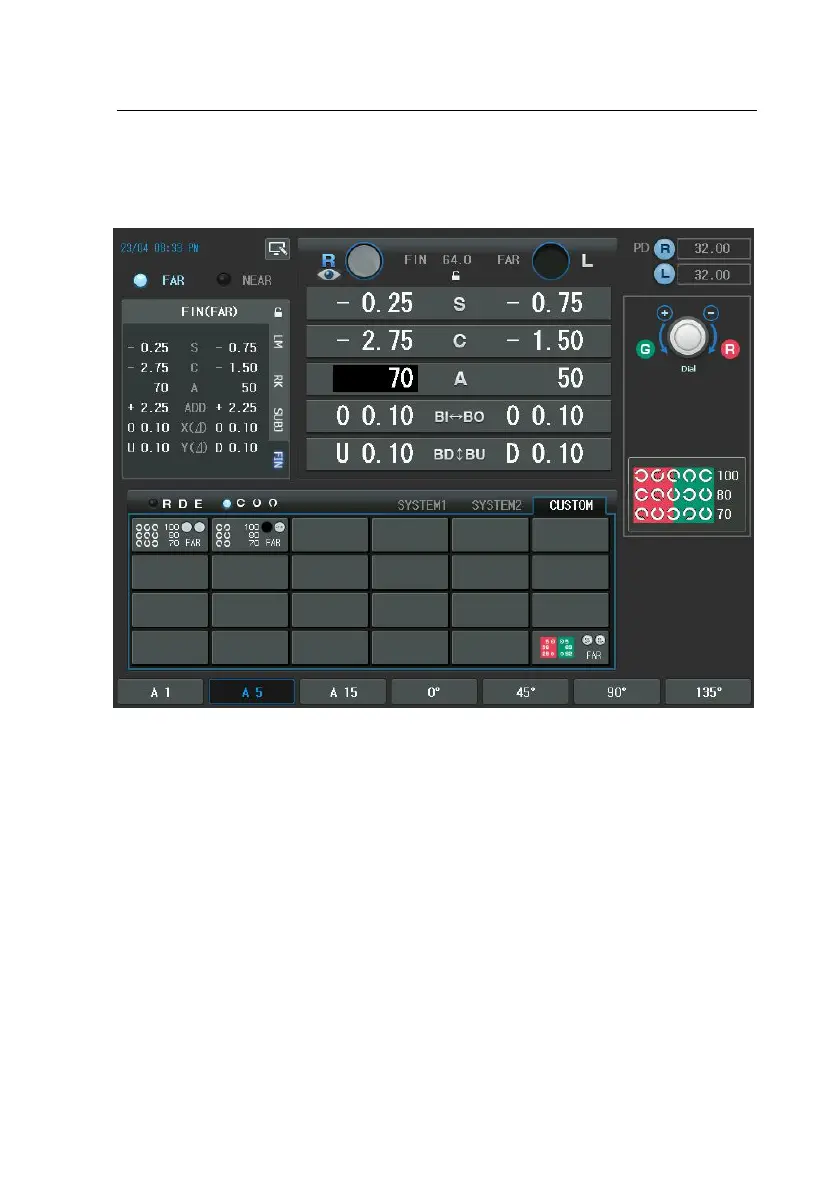
ST] button and press [CUSTOM] button of the touch screen and select it.
Let’s take another example. Use a Number Chart when processing the Dual Cros
s Cylinder Test. After pressing the [MENU] buttons, select “ Edit Test ” item of t
he touch screen and select one of the Unit Test item so as to enter the Unit Ed
it Test.
First, press the Number Chart Button. The chart with 0.6(50 in 20/20, 15 in 6/6)
will be suitable matching for the patient’s visual acuity. Assign FAR to the Test
Mode item, AXS to the Data Element item, RIGHT to the Eye item and DUAL to
the Cross Cylinder item. Then the Cross Cylinder Test can be processed using t
he Number Chart.



 To Next Page