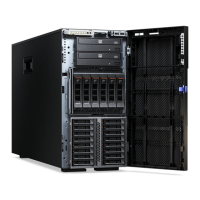
4. Open the bezel by pressing the button on the left edge of the bezel, and rotate
the left side of the bezel away from the server.
5. From inside of the top section of the bezel door, slide the blue tab up to unlock
the bezel media door; then, grasp the depressed area on the media door and
pull the door open.
6. When the media door is unlocked, the icon on the side of the bezel will be in
the unlocked position.
Chapter 2. Installing optional devices 59







 To Next Page
