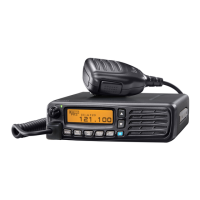
■ Entering a memory channel
Enter often-used frequencies using the following instructions.
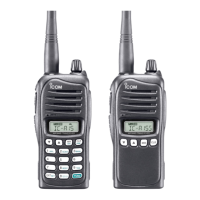
D For the IC-A15
q Push [CLR] to select the frequency mode, if necessary.
w Set the frequency. (p. 8)
e Push [FUNC], then push [MW](MR) to enter the select
memory write mode.
• The memory mode icon blinks.
r Push [Y]/[Z] to select a memory channel number.
• Push [FUNC], then push [BANK](3) to enter the bank selection
mode, and push [Y]/[Z] or an appropriate digit keys ([0]–[9]),
then push [ENT] to select the BANK number.
t Push [ENT] to enter the entry and return to the frequency
mode.
13
4
MEMORY OPERATION
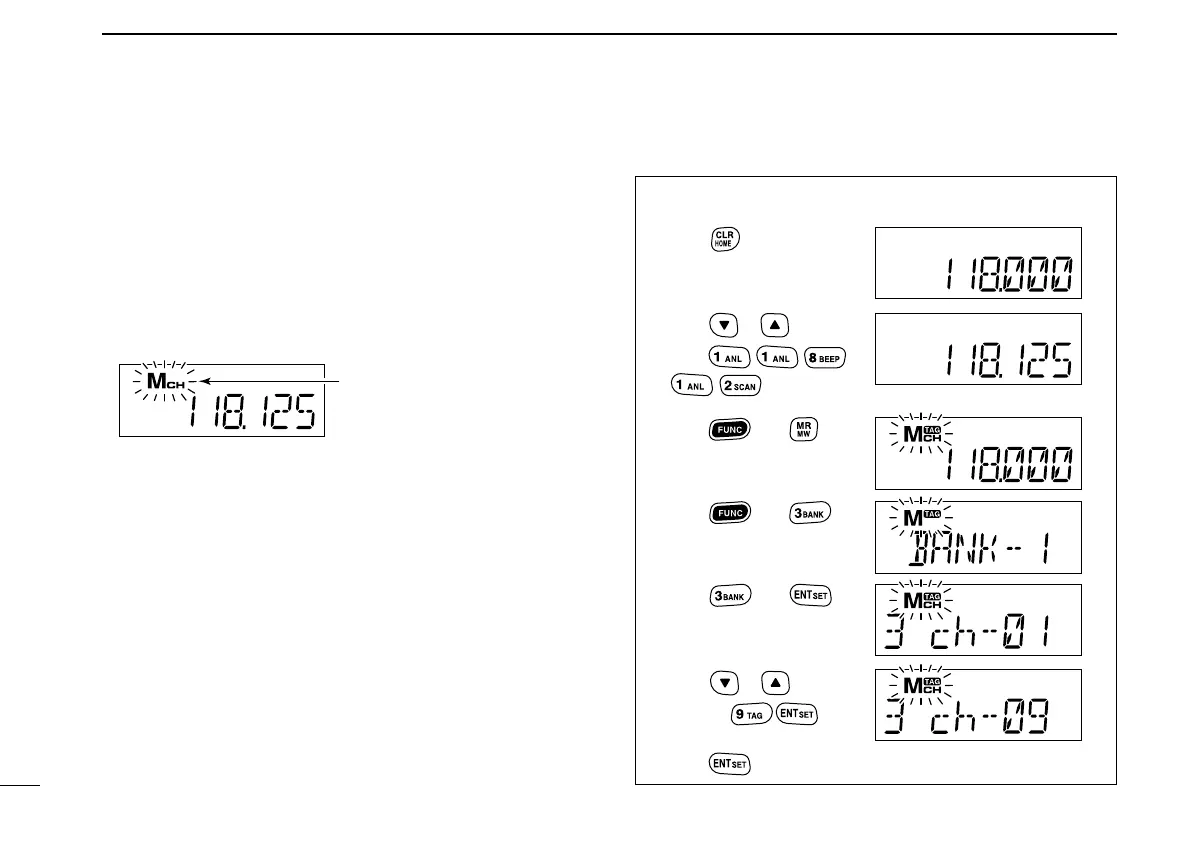
• EXAMPLE: Entering 118.125 MHz into memory channel
9 in BANK 3.
Blinks when the select
memory write mode is
selected.
No frequency is displayed when a blank channel is
Push
Push then
Push then
Push or , or,
push
Push or ,
or, push
Push then
*Briefly appears.
Push to complete the entry.
*Briefly appears.


 To Next Page