17
4
BASIC OPERATION
■ Turning power ON
DTurning power ON
q Make sure alkaline batteries are installed in the battery
case or the battery pack is charged, and attach them.
(p. 13)
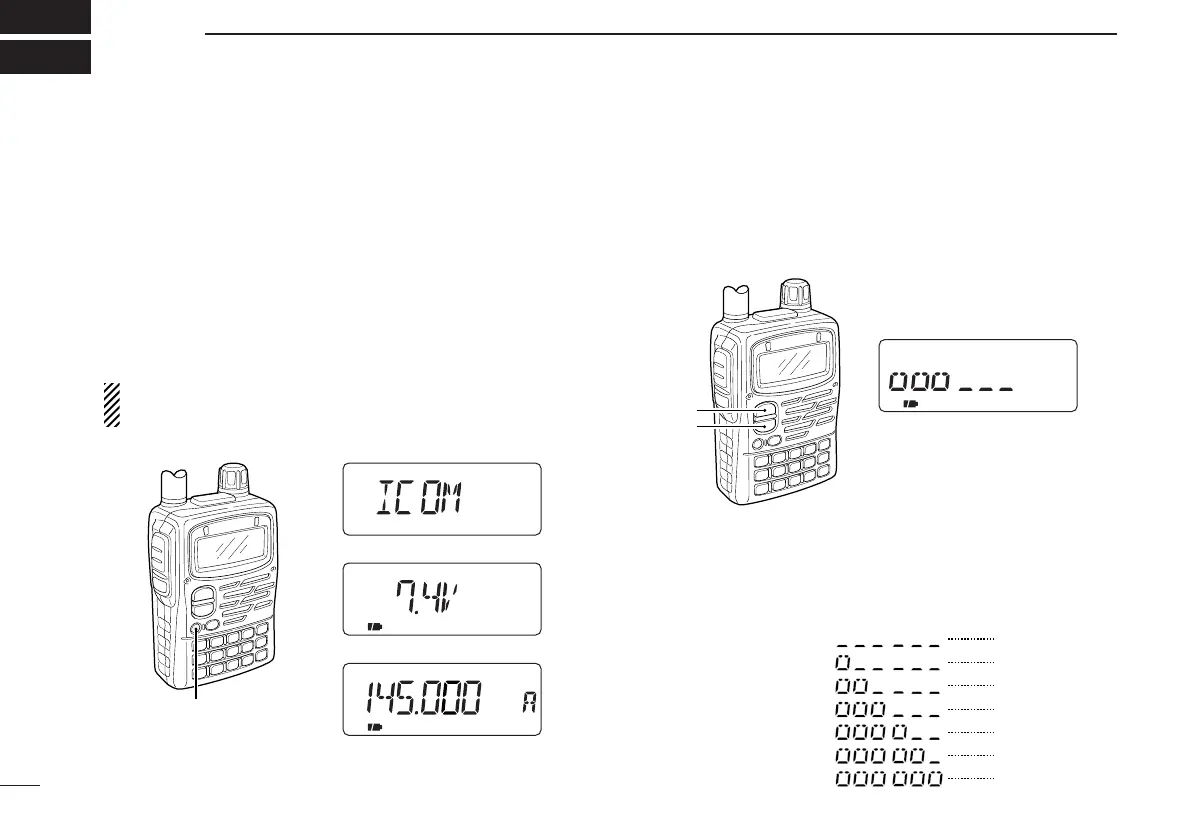
w Push [PWR] for 1 sec. to turn the power ON.
• The function display shows “ICOM,” current voltage then the op-
erating frequency.
• Repeat this step to turn power OFF.
The opening message can be turned ON or OFF in the ex-
panded set mode 1. (p. 64)
DSetting volume level
The audio level can be adjusted through 32 levels.
➥ Push [Y] or [Z] to set the desired audio level.
•Rotating the tuning dial while pushing [Y] or [Z] also sets the
audio level.
•[Y]/[Z] and [DIAL] can be exchanged by [1 V↔D]. (p. 23)
DVolume level indication
The frequency display shows the volume level during setting
as shown below.



 To Next Page