45
6
SCAN OPERATION
■ Scan types
Up to 25 programmed scan ranges (0A/0B to 24A/24B), full
scan, band scan and memory bank scan provide scanning
versatility. Each scan can have skip channels programmed.
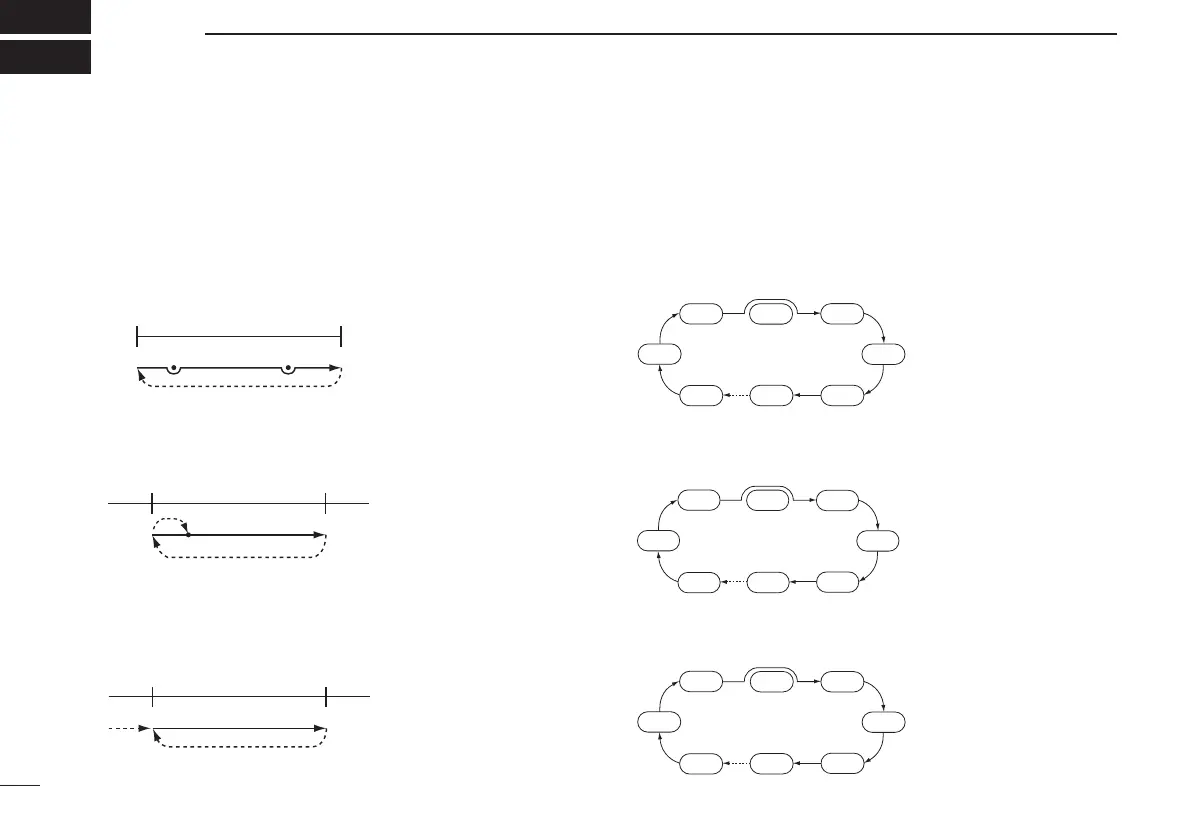
DVFO scans
FULL SCAN (p. 46)
Repeatedly scans all fre-
quencies over the entire re-
ceive range.
•Some frequency ranges are
restricted depending on
versions.
BAND SCAN (p. 46)
Repeatedly scans all fre-
quencies over the entire se-
lected band.
PROGRAMMED SCAN (p. 46)
Repeatedly scans between
two user-programmed fre-
quencies. Used for checking
for frequencies within a
specified range such as re-
peater output frequencies,
etc.
DMemory scans
FULL MEMORY SCAN (p. 48)
Repeatedly scans all mem-
ory channels except skip
channels.
SELECT BAND SCAN (p. 48)
Repeatedly scans memory
channels except skip chan-
nels within a selected mem-
ory band. (e.g. WFM, 144M
or 440M memory band, etc.)
BANK SCAN (p. 48)
Repeatedly scans memory
channels except skip chan-
nels within specified memory
bank (i.e. memory Bank,
A00–A99).



 To Next Page