69
9
OTHER FUNCTIONS
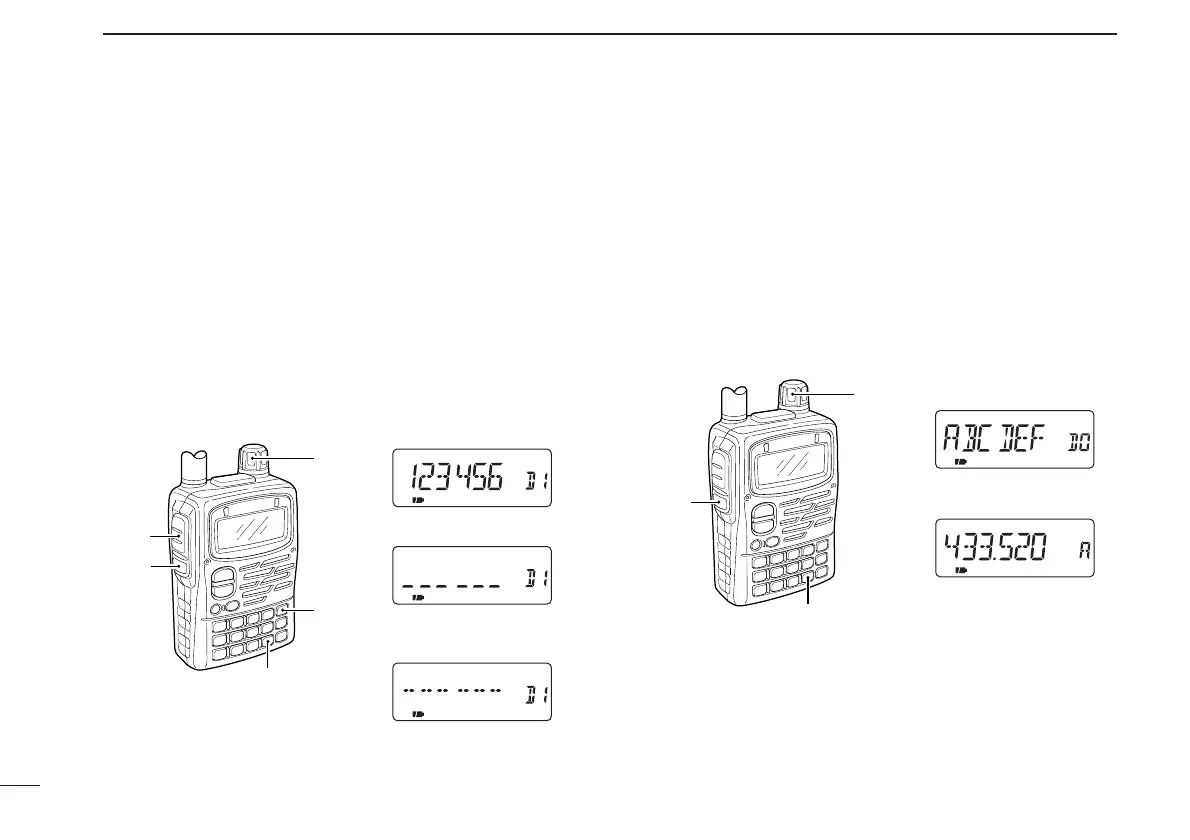
■ Clearing a DTMF memory
An unwanted DTMF memory can be cleared (erased).
q Push [• DTMF.M] for 1 sec. to enter DTMF memory mode.
w Rotate [DIAL] to select the desired DTMF memory chan-
nel to be cleared.
e Push [• DTMF.M] for 1 sec. to enter programming mode
and clear the selected DTMF memory channel.
• The DTMF memory channel is cleared.
r Push [SQL] or [PTT] to exit programming mode.
■ Confirming a DTMF memory
The DTMF memory can be confirmed with DTMF tone.
q Push [• DTMF.M] for 1 sec. to enter DTMF memory mode.
w Rotate [DIAL] to select the desired DTMF memory chan-
nel.
e Push [SQL] to confirm the DTMF memory contents.
• The display returns to frequency indication after confirmation.



 To Next Page