48
6
SCAN OPERATION
yy
SCAN OPERATION
■ Memory scan
Memory scan repeatedly scans all memory channels except
skip channels.
There are 3 types of memory scan, select band scan, full
bank scan and bank scan are available.
DFull memory scan/Select band scan
q Push [MR] to enter memory mode.
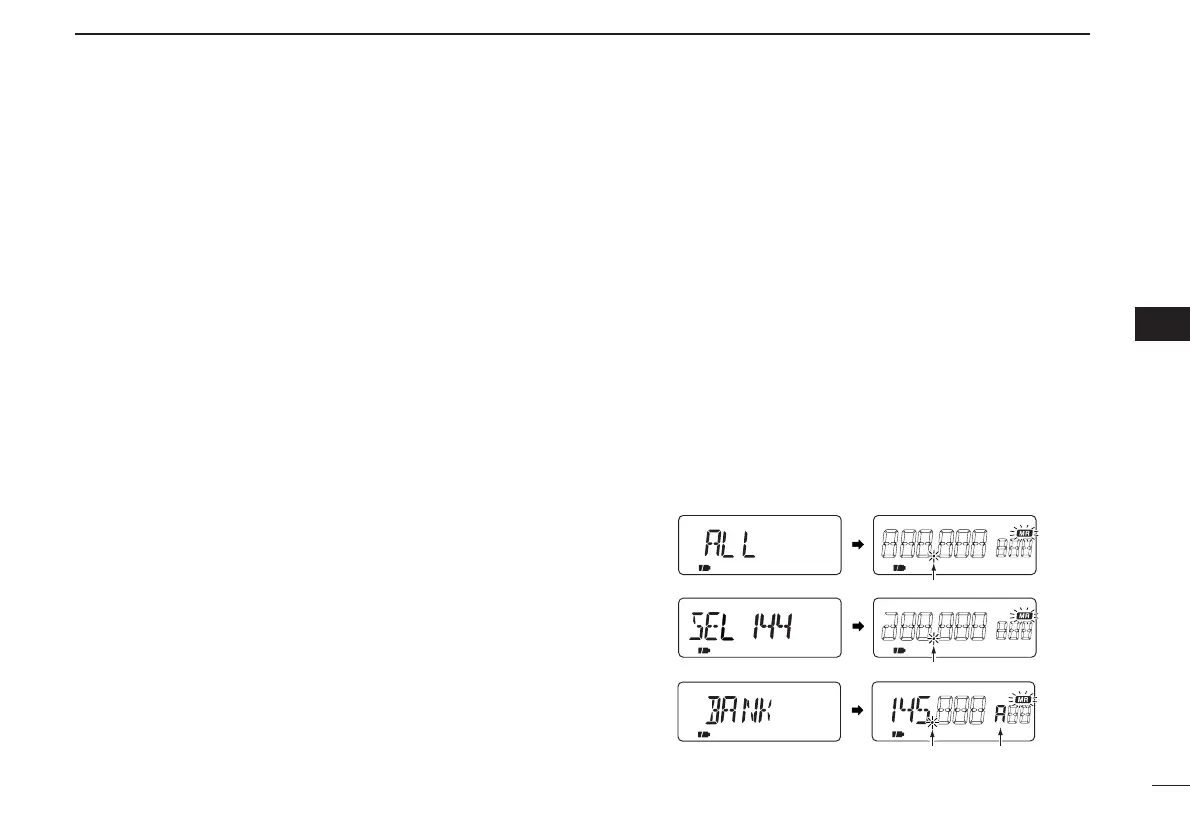
w While pushing and holding [MODE SCAN], rotate [DIAL] to
select from scan-guidance, [ALL], [SEL BC], [SEL 5], [SEL
50], [SEL WFM], [SEL AIR], [SEL 144], [ SEL 220], [SEL
300], [SEL 440] or [SEL 800].
•[ALL] scans full programmed memories except skip channels.
•Scan-guidance appear(s) programmed band(s) only.
•Scan repeatedly scans memory channels except skip channels
within a selected memory band.
e Release [MODE SCAM] to start the memory scan.
• Decimal point blinks while scanning.
•To change the scanning direction, rotate [DIAL].
• While receiving an unwanted signal and scan pauses, push [5
SKIP] for 1 sec. to set the received channel as a skip channel.
r Push [VFO] to stop the scan.
DFull bank scan/Bank scan
Bank scan repeatedly scans memory channels except skip
channels within a selected memory bank.
q Push [MR] to enter the memory bank mode.
• Pushing [MR] to toggles the memory channel and memory bank
modes.
• Program 2 or more memory channels to a memory bank in ad-
vance.
w Push [BAND] several times to select the desired memory
bank if desired.
e While pushing [MODE SCAN], rotate [DIAL] to select [ALL]
or [BANK].
• “ALL” scans for full bank or “BANK” scans for within a specified
memory bank only.
r Release [MODE SCAN] to start the memory scan.
• Decimal point blinks while scanning.
•To change the scanning direction, rotate [DIAL].
t Push [VFO] to stop the scan.



 To Next Page