36
9
SET MODE
9
DD
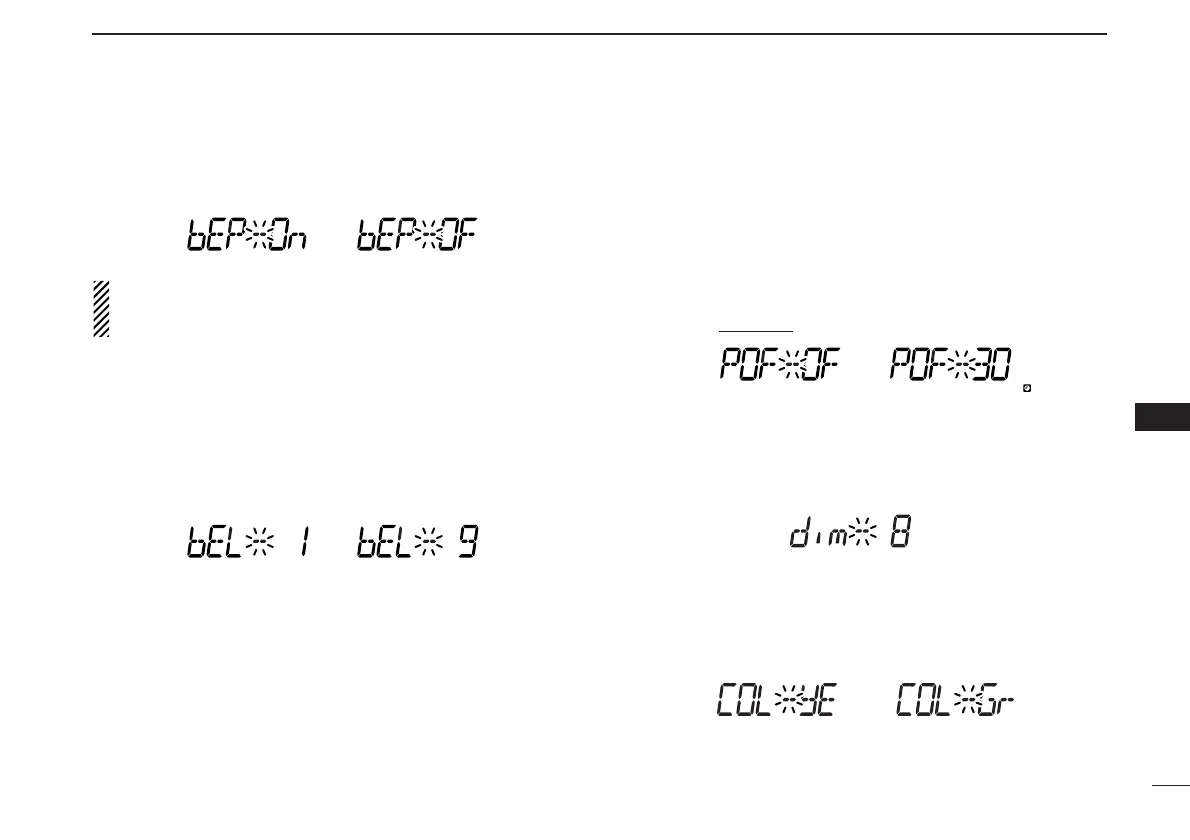
Key-touch beep
The key-touch beep can be turned OFF for silent operation.
(default: ON)
Even when this item is set to OFF, the power-on beep and
pocket beep function still sound. The power-on beep can
not be set to OFF.
DD
Beep output level
Adust the beep level from 1 to 9 for key-touch beep, power-on
beep and pocket beep function. (default: 5)
When the previous set mode item “bEP” is set to OFF, this
setting level is not effective for key-touch beep.
DD
Auto power OFF
The receiver can be set to automatically turn OFF with a beep
after a specified period when no key operations are per-
formed.
30 min., 1 hour, 2 hours and OFF can be specified. The spec-
ified period is retained even when the receiver is turned OFF
by the auto power OFF function. To cancel the function, select
“OF” in this set mode
. (default: OFF)
DD
Display dimmer
Adjust the display lighting condition.
The levels 1 (dark) to 8 (bright: default) are available.
DD
Display color
The display color can be set to amber (default), yellow or
green.



 To Next Page