39
9
SET MODE
DD
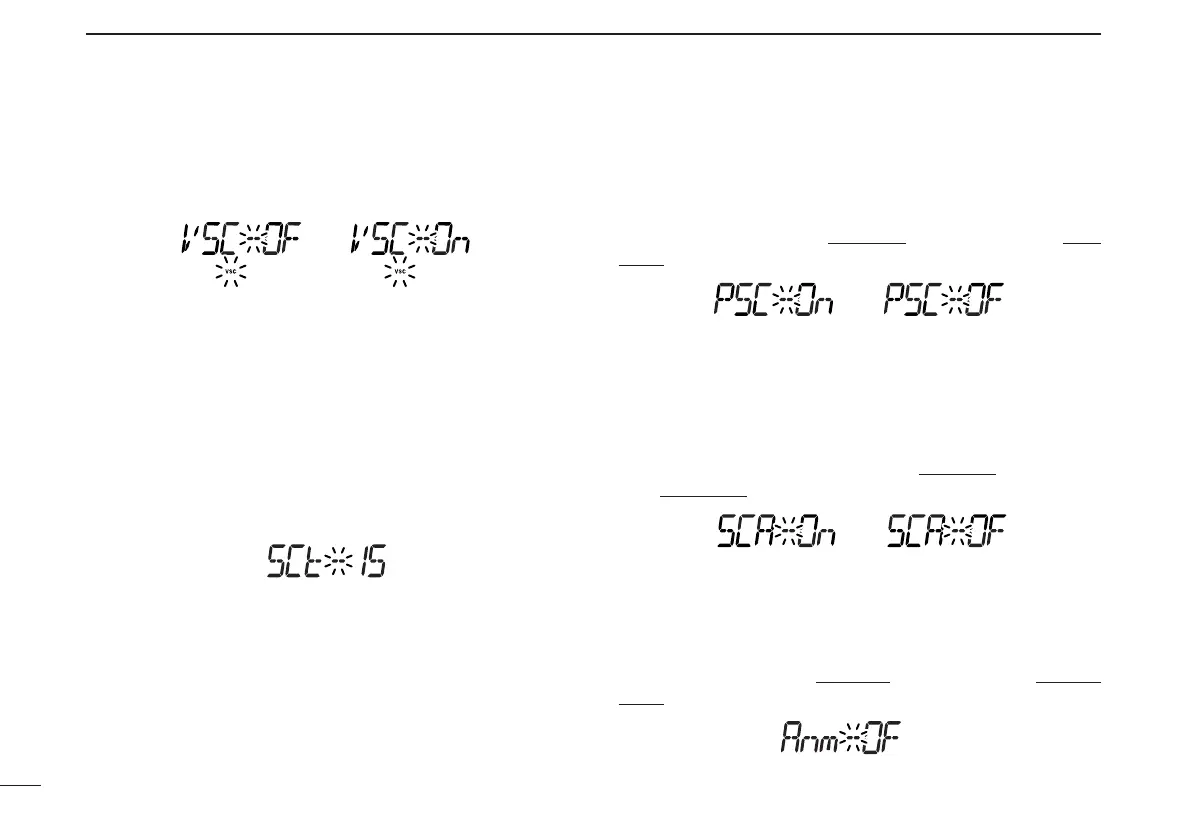
VSC setting
Turns VSC (Voice Squelch Control) function ON and OFF.
(default: OFF)
DD
Scan resume timer
Selects scan resume timer from SCT-15 (default), SCT-10,
SCT-5 and SCP-2. Scan resumes after the specified period
when the received signal disappears.
• SCT-15/10/5 : Scan pauses for 15/10/5 sec. when the
received signal disappears.
• SCP-2 : Scan pauses on a signal until signal dis-
appears, then resumes 2 sec. after the
signal disappears.
DD
Program scan skip setting
Sets the program scan skip setting ON and OFF for VFO
scan operation, such as programmed scan.
(default: ON)
This item appears when set mode
is accessed from VFO
mode only.
DD
Scan skip area setting
Sets the pre-programmed scan skip area setting ON and OFF
for VFO scan operation, such as programmed scan.
This item appears only when the scan skip area setting is pro-
grammed by the clone ((p. 44)) and set mode
is accessed
from VFO mode
.
DD
Memory name setting
Sets memory name setting from ON (appear) and OFF (not
appear; default) for memory name appearance.
This item appears when set mode
is accessed from memory
mode only.



 To Next Page