18
4
BASIC OPERATION
1
2
3
4
5
6
7
8
9
10
11
12
13
14
15
16
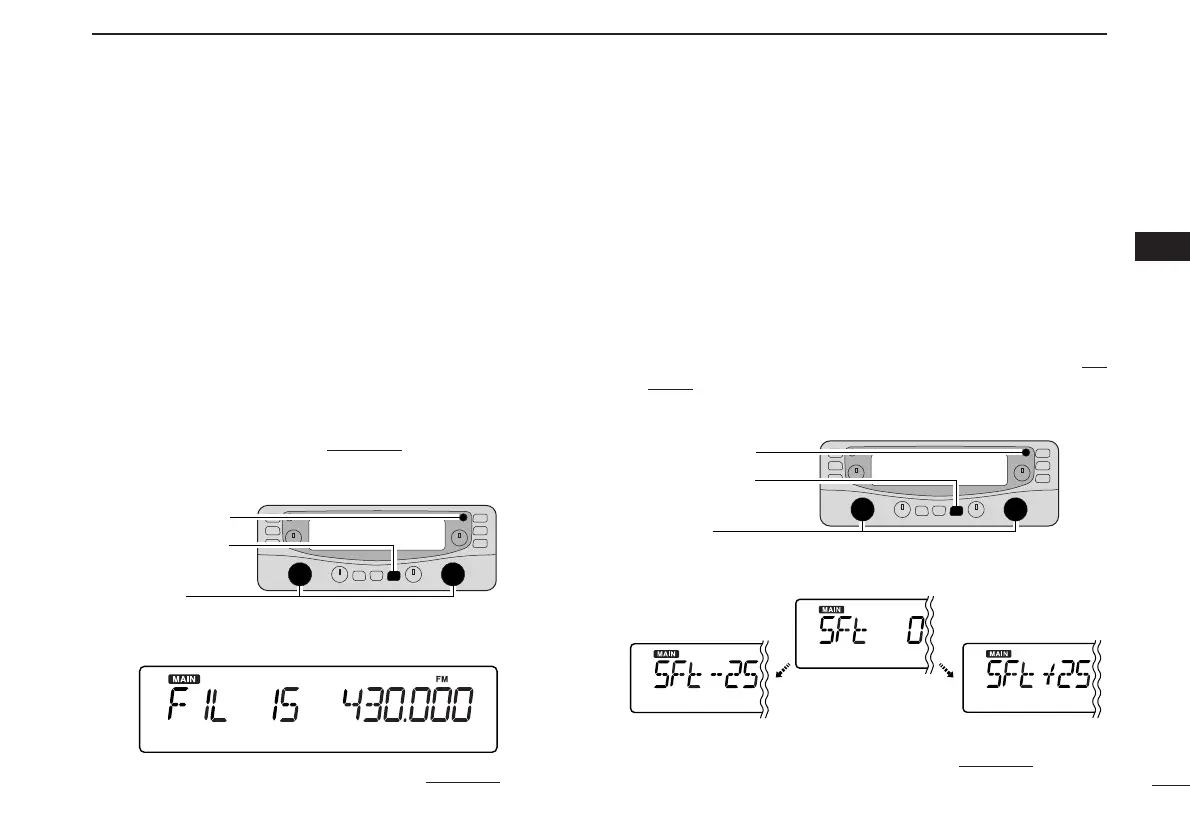
■ IF filter selection [
The receiver has 2 to 4 IF passband filter widths for each
mode. Selectable passband widths are 3, 6, 15, 50 and 230
(depending on the selected mode).
• Selectable passband width for each mode.
SSB mode : 3 (2.8 kHz) or 6 kHz
CW mode : 3 (2.8 kHz) or 6 kHz
AM mode : 3 (2.8 kHz), 6 kHz, 15 kHz or 50 kHz
WFM mode: 50 kHz or 230 kHz
FM mode : 6 kHz, 15 kHz or 50 kHz
q Push the desired band’s [MAIN] to select the main band.
w Push [SET•SKIP] to enter set mode
.
e Push [SET•SKIP] or [ATT•PRIO] several times until “VSC”
appears.
r Rotate the main band’s [DIAL] to select the desired IF
passband width.
t Push any key for the main band to exit set mode
.
■ IF shift function [
The IF shift function electronically changes the passband fre-
quency of the IF (Intermediate frequency) cutting out higher
or lower frequency components of the IF to reject interfer-
ence. This function is available when the receive mode is
SSB or CW mode, and shifts the IF frequency up to ±25 steps
(in 1 step: 50 Hz).
q After pushing [MAIN] to select the desired band (left or
right) as the main band, push [SET•SKIP] to enter set
mode.
w Push [SET•SKIP] or [ATT•PRIO] several times until “SFt”
appears.
e Rotate the main band’s [DIAL] to set the shifting direction
and frequency range.
r Push any key for the main band to exit set mode
.



 To Next Page