36
6
SCAN OPERATION
6
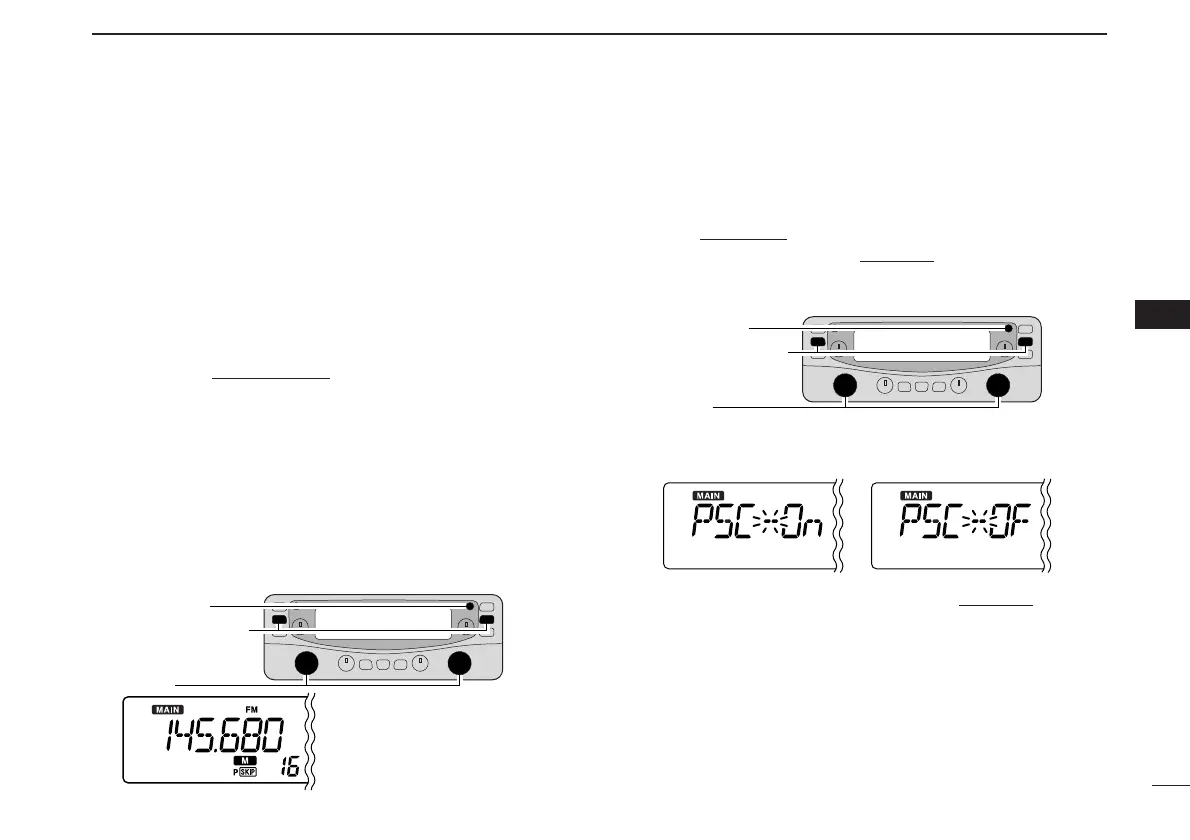
D Skip channel/frequency setting
You can set the selected memory channel as a skip channel
which is skipped during memory skip scan. In addition, it can
be set as a skip channel for both memory skip scan and fre-
quency skip scan. These are useful to speed up the scan in-
terval.
q Select a memory channel.
➥ Push the main band’s [VFO/MR•S.MW] once or twice
to select memory mode
, then rotate the same band’s
[DIAL] to select the desired memory channel to be a
skip channel.
•“!” and memory channel number appear.
w Push and hold [SET•SKIP] for 1 sec. several times to set
the skip condition.
• (no indication): The channel is scanned during scan.
• ~ : The channel is skipped during scan.
•
P
~ : The channel is skipped during scan and the pro-
grammed frequency is skipped during VFO scan,
such as programmed scan.
D Skip scan setting [
q Push the main band’s [VFO/MR•S.MW] once or twice to
select VFO mode
.
w Push [SET•SKIP] to enter set mode
.
e Push [SET•LOCK] or [ATT•PRIO] several times until
“PSC” appears.
r Rotate the main band’s [DIAL] to toggle the skip scan
function ON and OFF.
t Push any key for the main band to exit set mode
.
y Then start the scan to activate the skip scan (memory skip
scan or frequency skip scan).
set as a skip channel.



 To Next Page