4
REPEATER AND DUPLEX OPERATION
4-4
Duplex operation
The duplex operation shifts the transmit frequency
amount.
D
1. Push [SET] to enter the Set mode.
• A Set mode item is displayed.
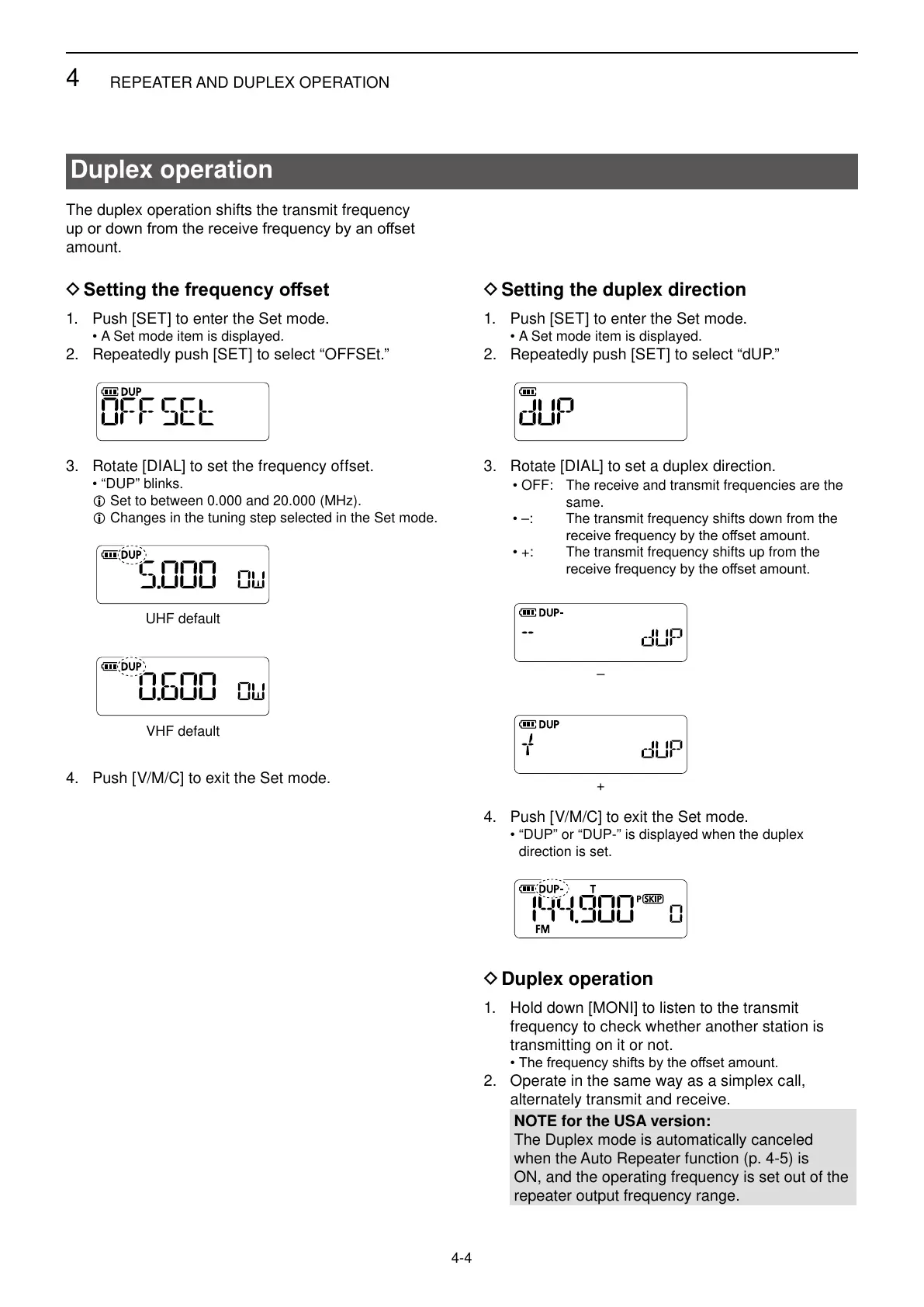
2. Repeatedly push [SET] to select “OFFSEt.”
3. Rotate [DIAL] to set the frequency offset.
• “DUP” blinks.
L Set to between 0.000 and 20.000 (MHz).
L Changes in the tuning step selected in the Set mode.
4. Push [V/M/C] to exit the Set mode.
UHF default
VHF default
D Setting the duplex direction
1. Push [SET] to enter the Set mode.
• A Set mode item is displayed.
2. Repeatedly push [SET] to select “dUP.”
3. Rotate [DIAL] to set a duplex direction.
• OFF: The receive and transmit frequencies are the
same.
• –: The transmit frequency shifts down from the
• +: The transmit frequency shifts up from the
4. Push [V/M/C] to exit the Set mode.
• “DUP” or “DUP-” is displayed when the duplex
direction is set.
–
+
D Duplex operation
1. Hold down [MONI] to listen to the transmit
frequency to check whether another station is
transmitting on it or not.
•
2. Operate in the same way as a simplex call,
alternately transmit and receive.
NOTE for the USA version:
The Duplex mode is automatically canceled
when the Auto Repeater function (p. 4-5) is
ON, and the operating frequency is set out of the
repeater output frequency range.



 To Next Page